@remotion/effectsv4.0.464
Effects that can be applied to Remotion-based canvas components.
- Remotion CLI
- npm
- bun
- pnpm
- yarn
npx remotion add @remotion/effects
This assumes you are currently using v4.0.534 of Remotion.npm i --save-exact @remotion/effects@4.0.534
Also update
remotion and all `@remotion/*` packages to the same version.Remove all
^ character in front of the version numbers of it as it can lead to a version conflict.This assumes you are currently using v4.0.534 of Remotion.pnpm i @remotion/effects@4.0.534
Also update
remotion and all `@remotion/*` packages to the same version.Remove all
^ character in front of the version numbers of it as it can lead to a version conflict.This assumes you are currently using v4.0.534 of Remotion.bun i @remotion/effects@4.0.534
Also update
remotion and all `@remotion/*` packages to the same version.Remove all
^ character in front of the version numbers of it as it can lead to a version conflict.This assumes you are currently using v4.0.534 of Remotion.yarn --exact add @remotion/effects@4.0.534
Also update
remotion and all `@remotion/*` packages to the same version.Remove all
^ character in front of the version numbers of it as it can lead to a version conflict.Supported components
Pass effects through the effects prop of these components:
<Solid><HtmlInCanvas><Video><Img><CanvasImage><AnimatedImage><Gif><RemotionRiveCanvas><Rect><Circle><Triangle><Star><Ellipse><Pie><Polygon><Heart><Arrow>
Effect resolutionv4.0.535
Use effectsOutputSize on any supported component to choose the pixel dimensions used by its effect chain:
<Video
src ="https://example.com/video.mp4"
effects ={[pixelate ({blockSize : 12})]}
effectsOutputSize ={{width : 1920, height : 1080}}
/>;Both dimensions must be positive integers. The source is resized to this resolution before the effects run, and the result is composited back into the component's existing output canvas. CSS layout, cropping, and the output video's dimensions stay the same.
This is useful when switching between an original video and a smaller proxy: keeping the effect resolution fixed keeps pixel-based parameters, such as pixelation block sizes, in the same coordinate space. It also applies to images, animated images, GIFs, Rive canvases, solids, HTML-in-canvas, and shapes.
Omitting effectsOutputSize preserves the existing effect resolution. Empty or entirely disabled effect chains do not resize the source. To change the resolution, update the numeric width and height; passing a new object with the same values does not recreate the effect chain. Video previews redraw the current frame when these values change without restarting their decoder.
A larger effect resolution increases processing and canvas memory. Resizing a low-resolution source cannot restore missing detail. This prop controls effect processing; maxCanvasSinkFrameSize separately controls decoded preview frame size.
Effects
Color
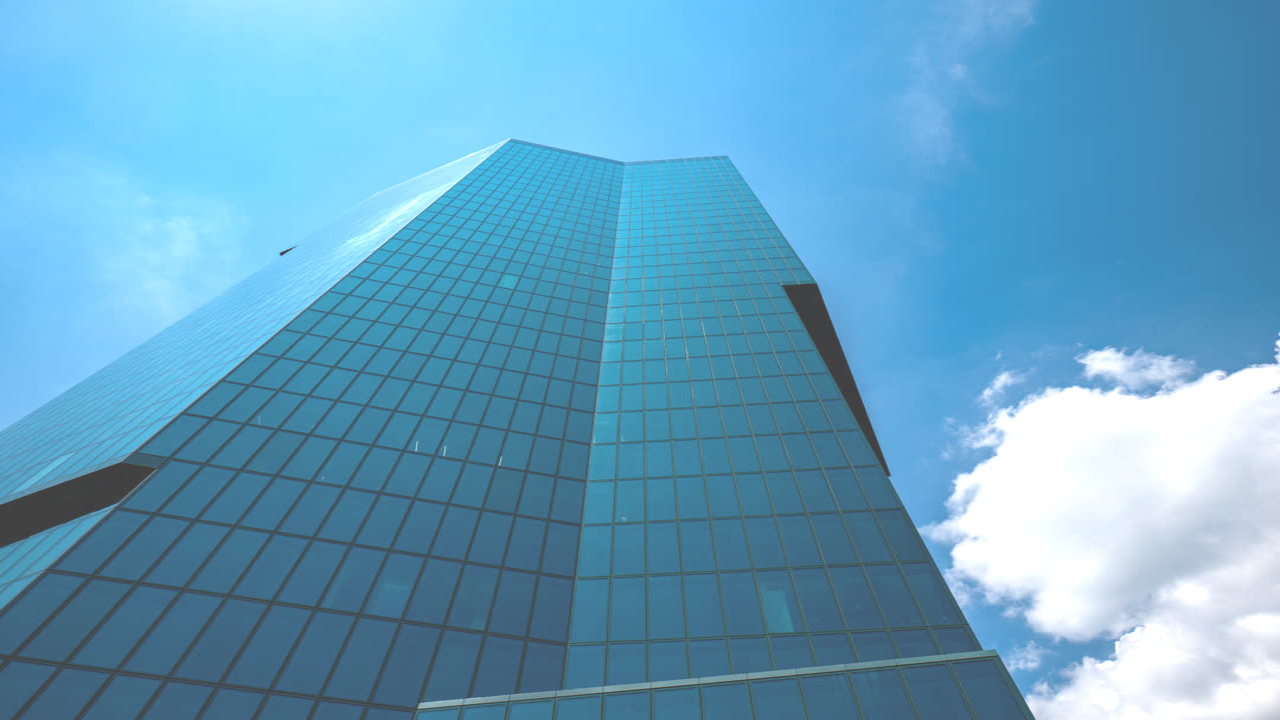
brightness()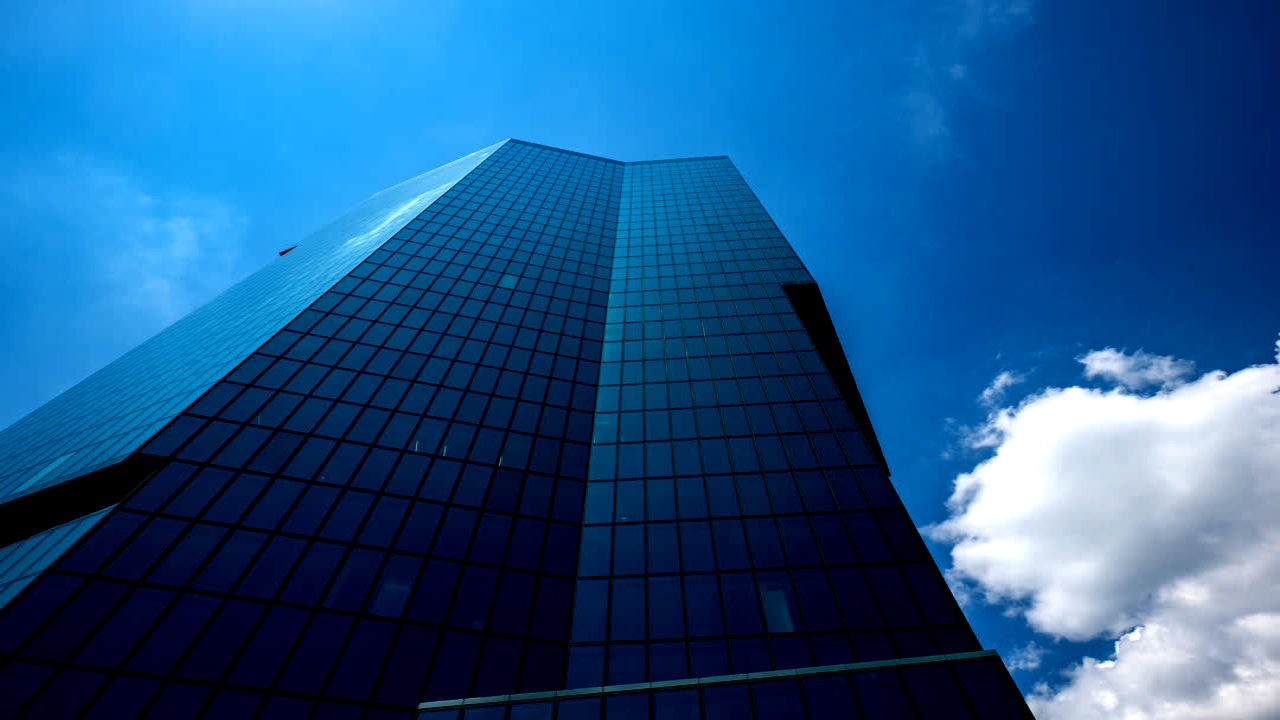
contrast()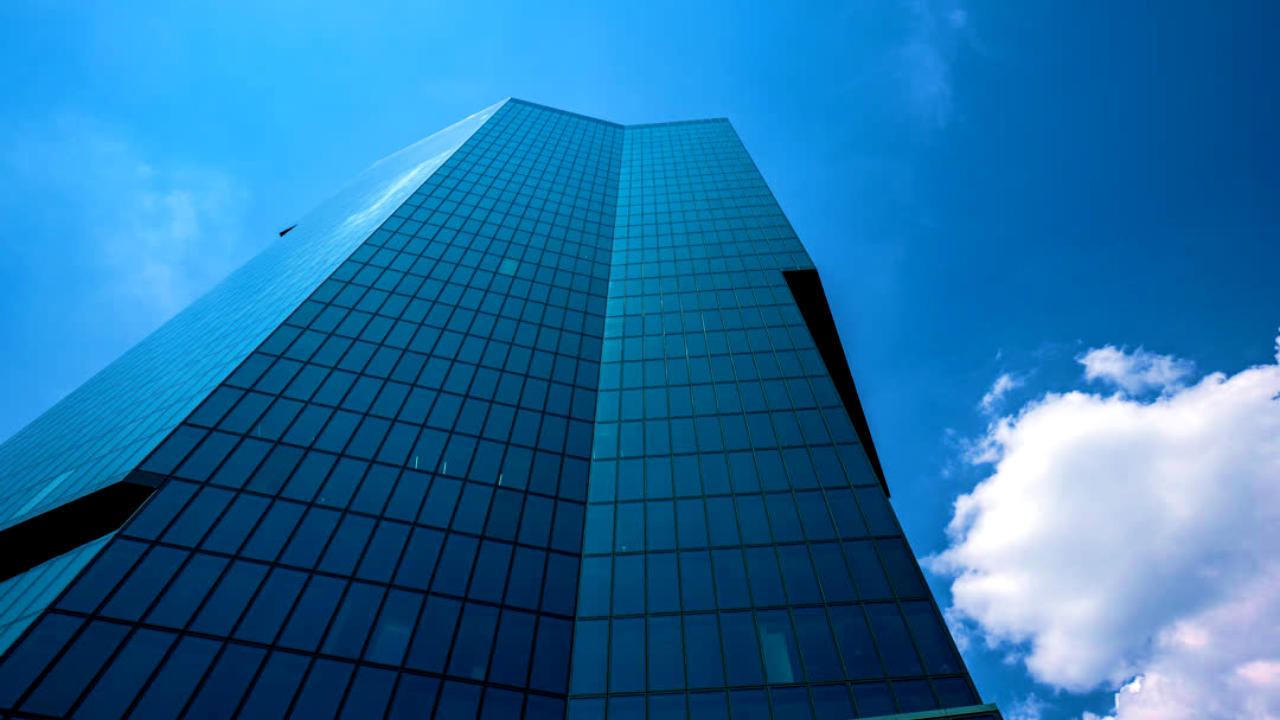
colorCorrection()
colorKey()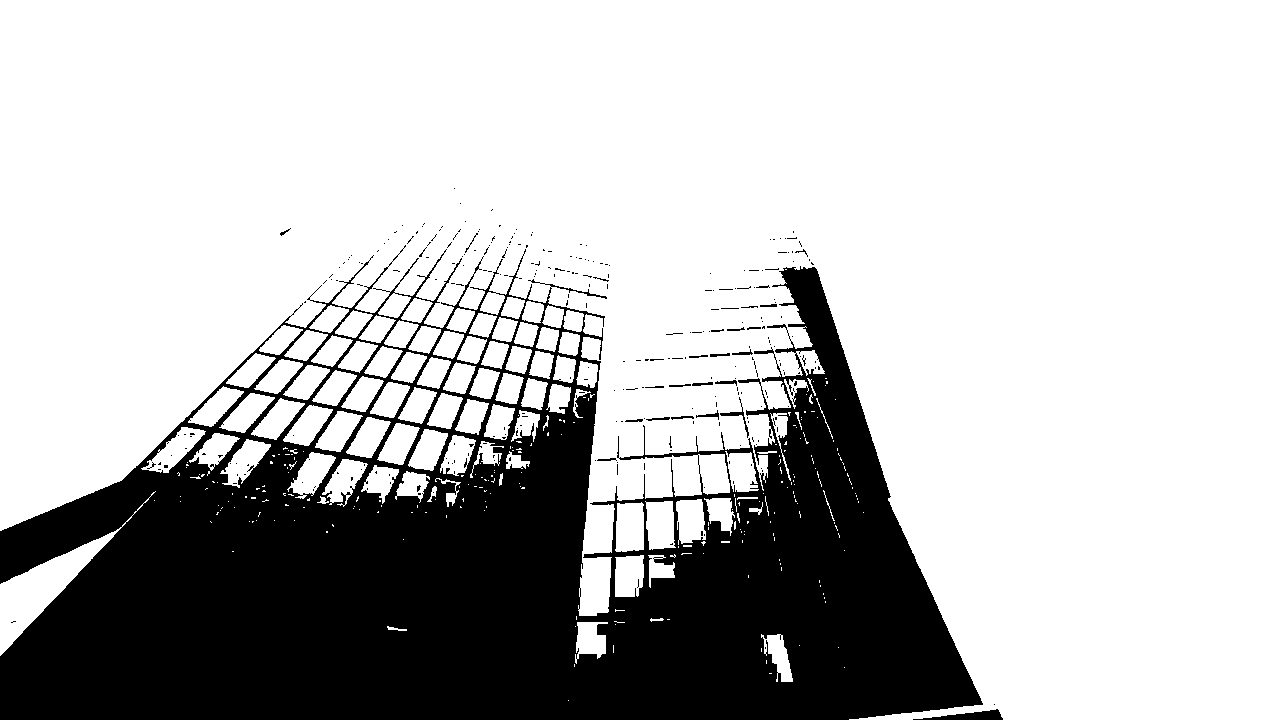
duotone()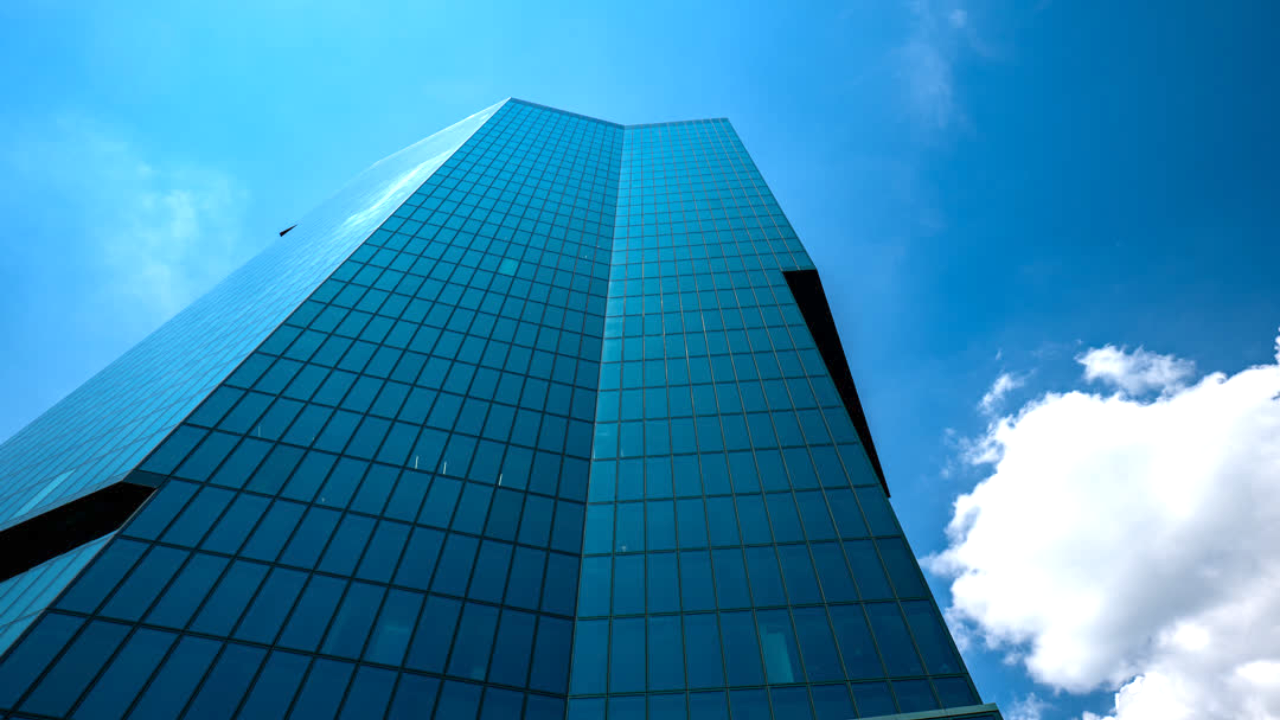
exposure()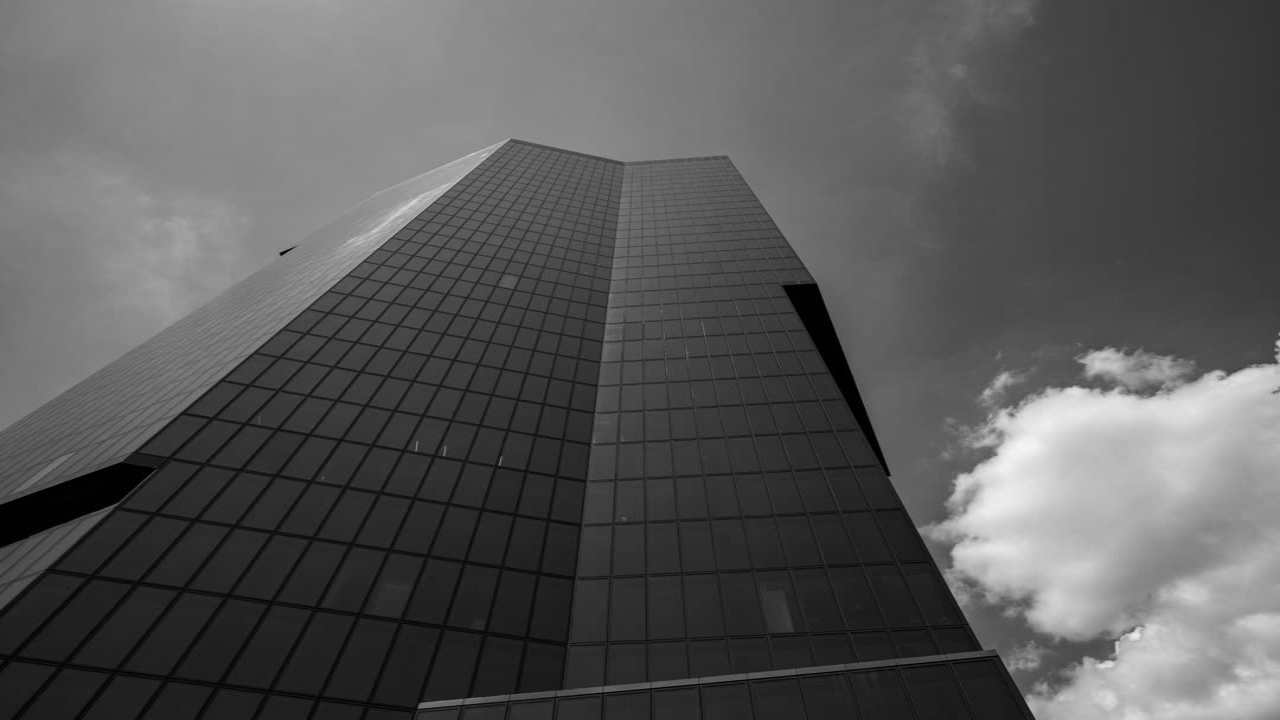
grayscale()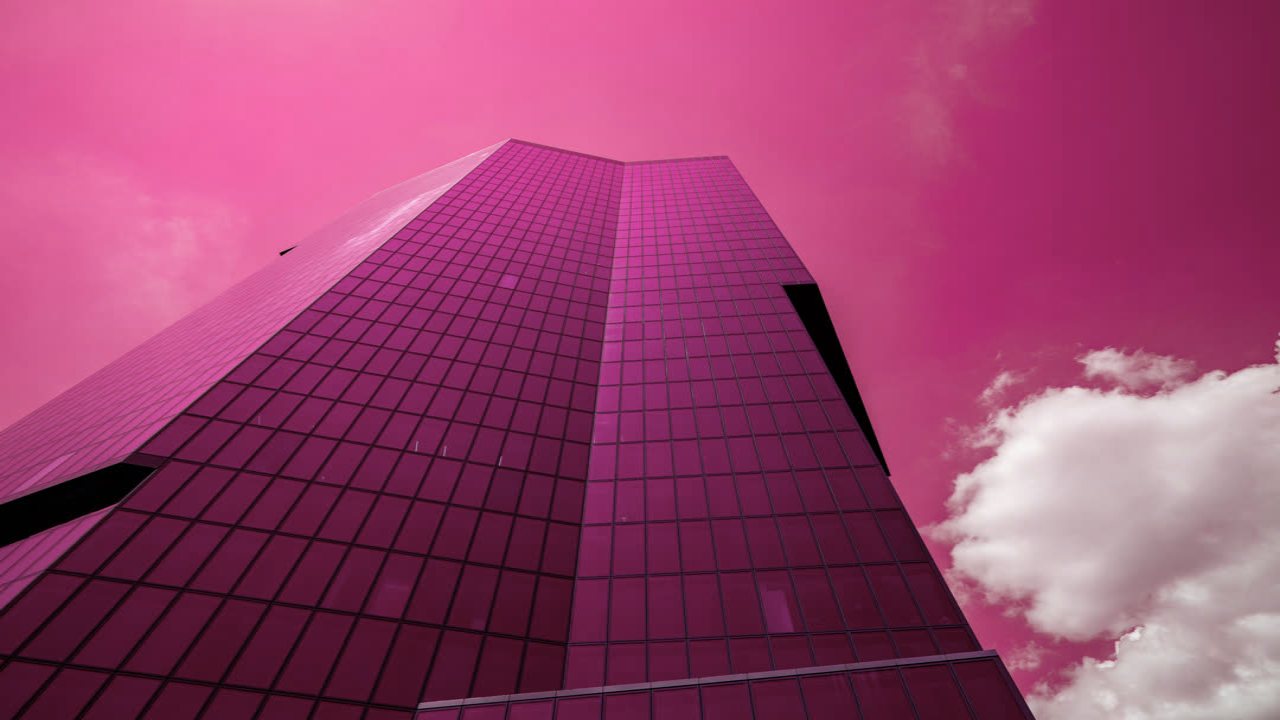
hue()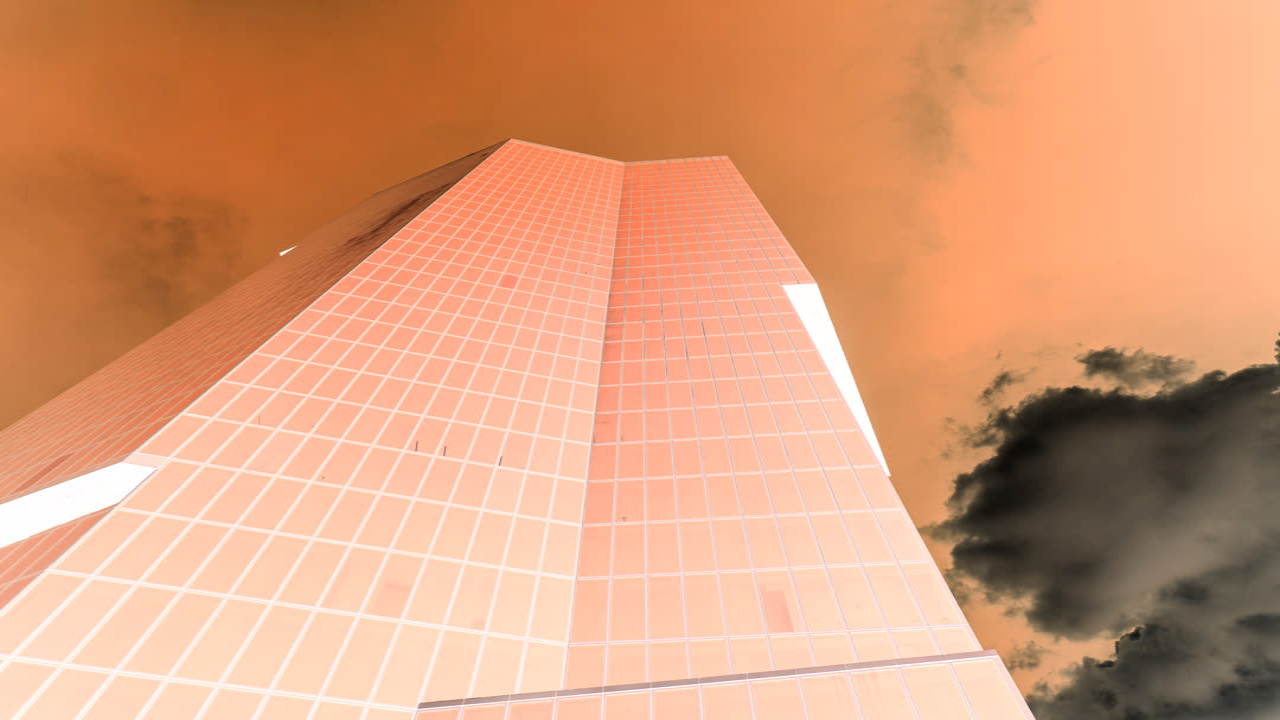
invert()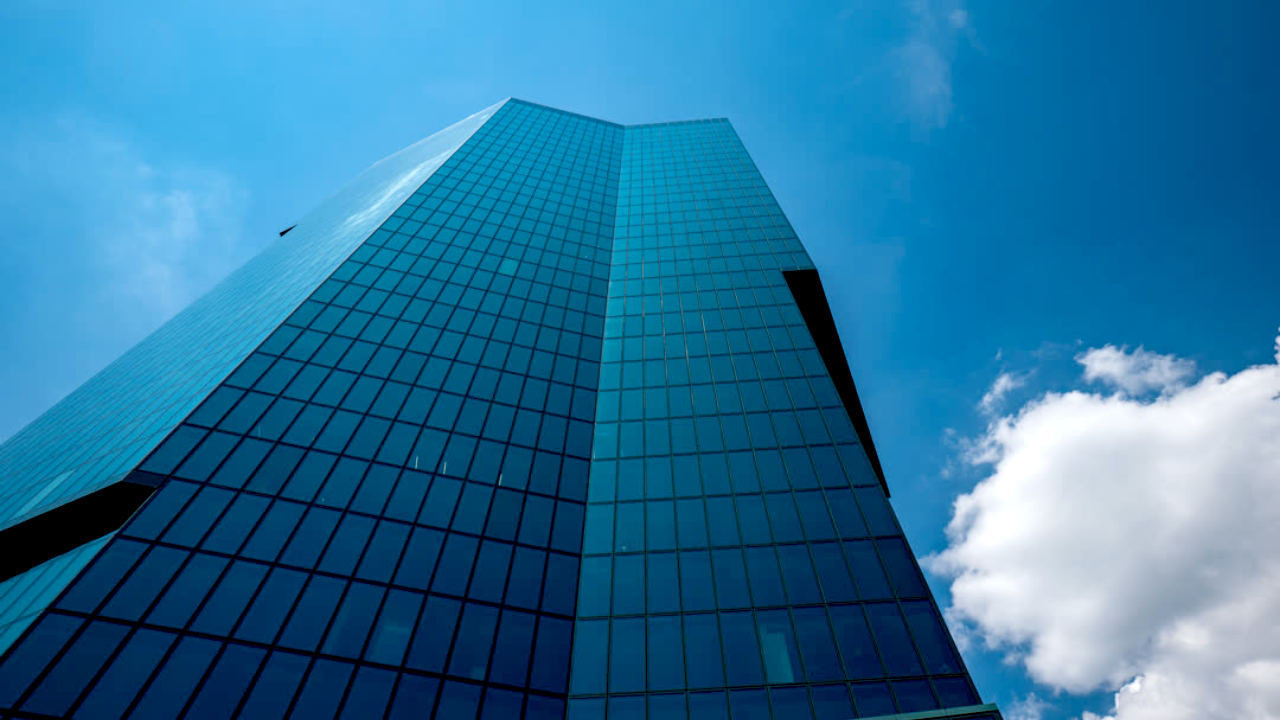
levels()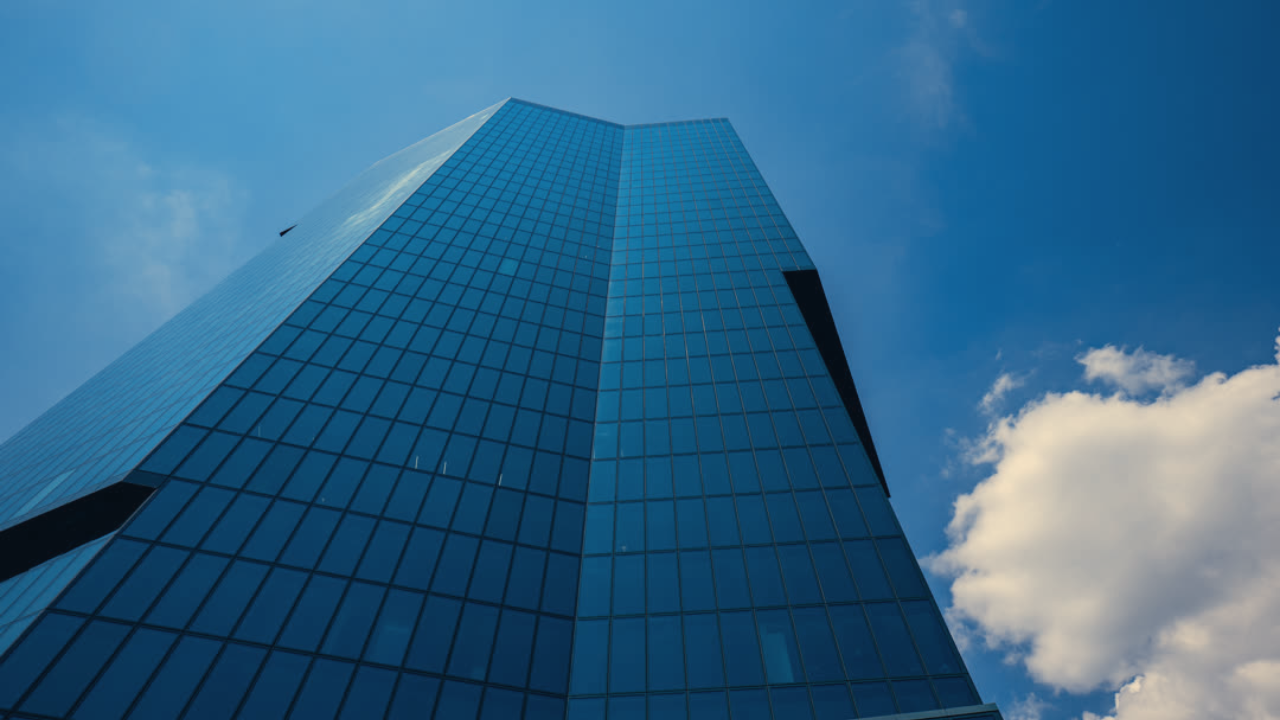
lut()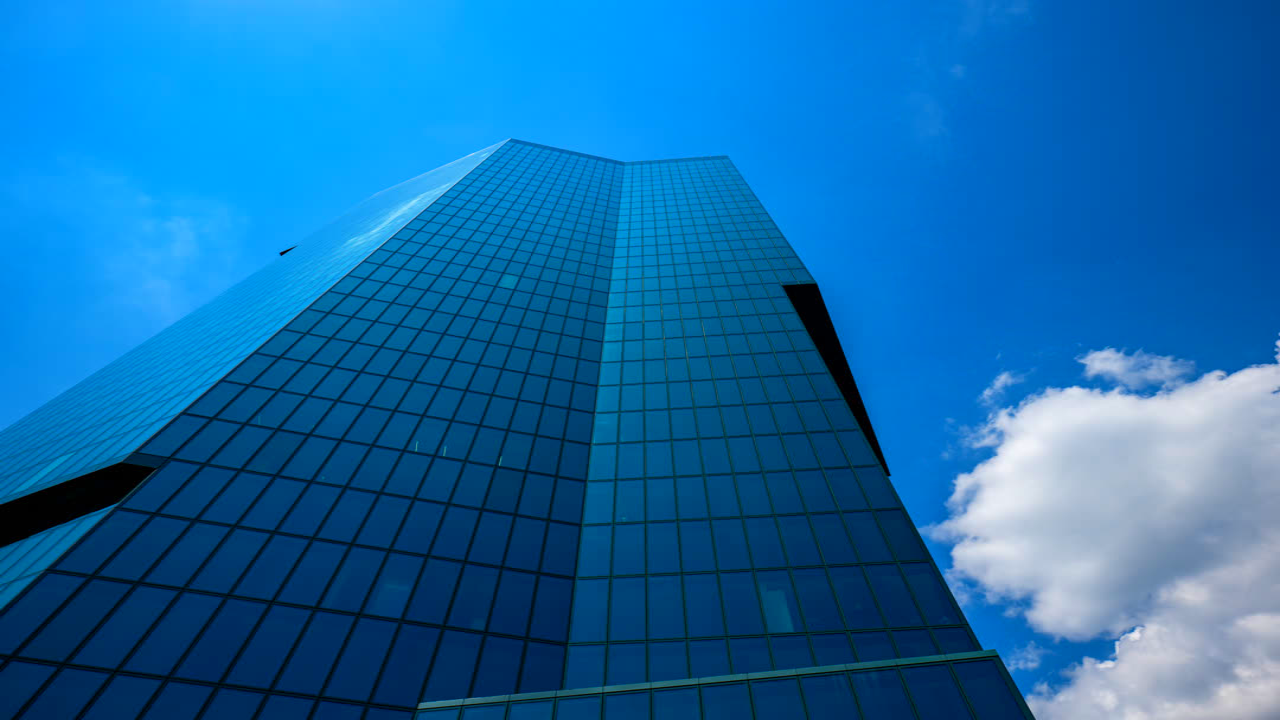
saturation()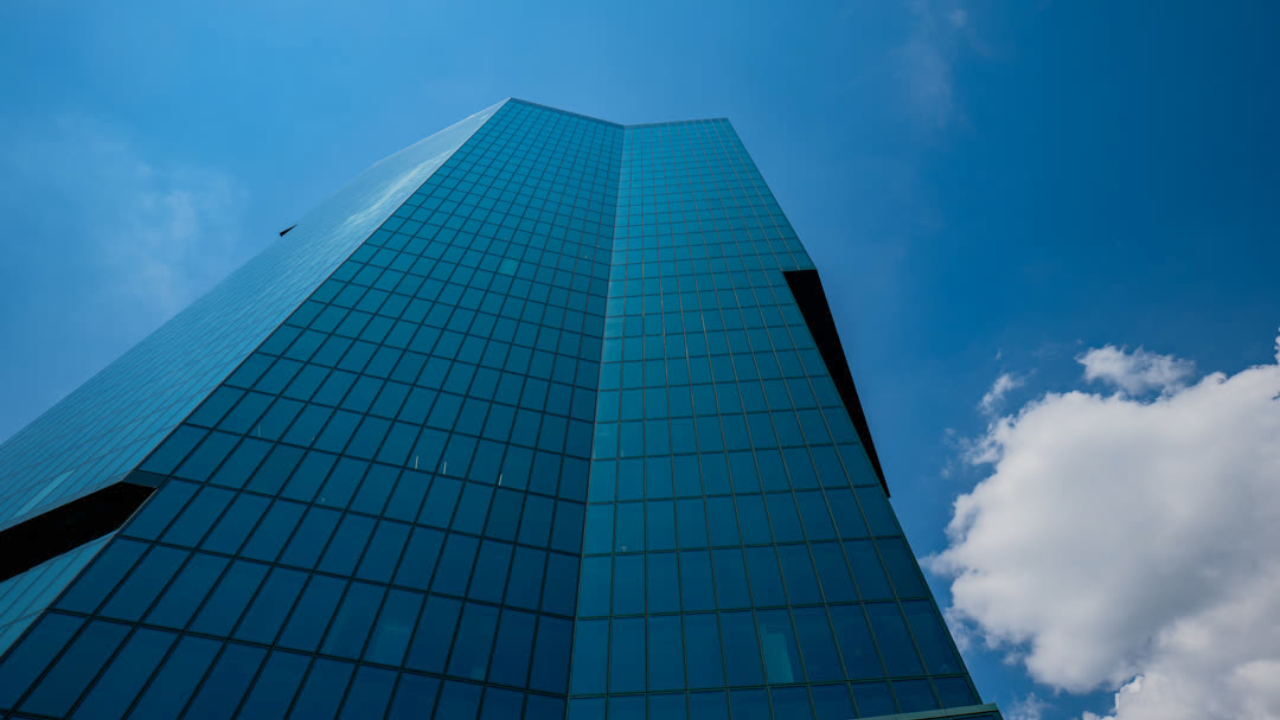
shadowsHighlights()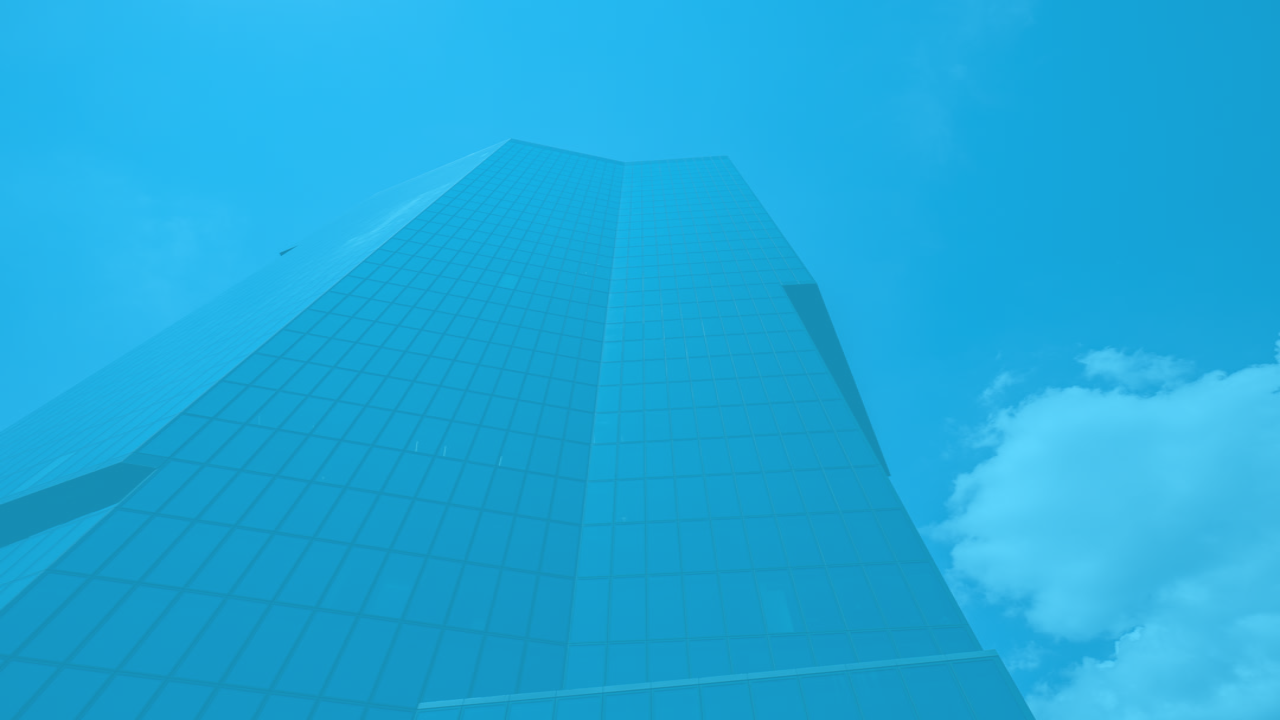
tint()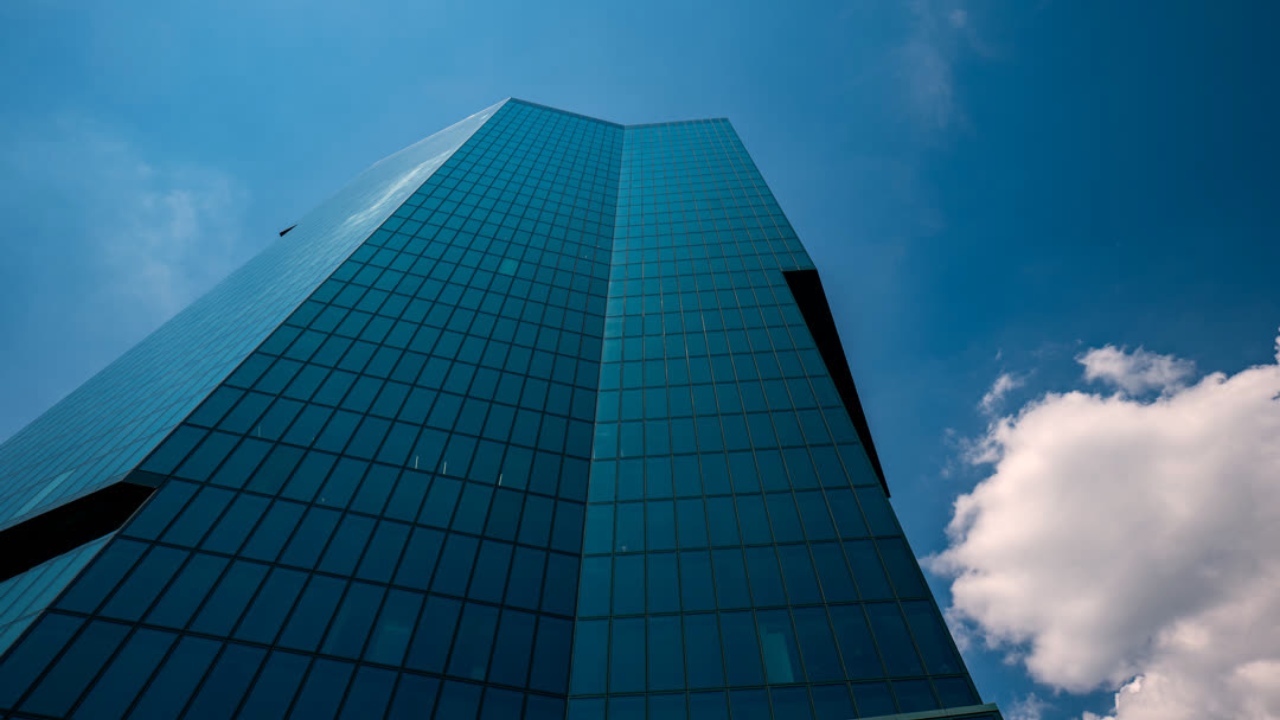
whiteBalance()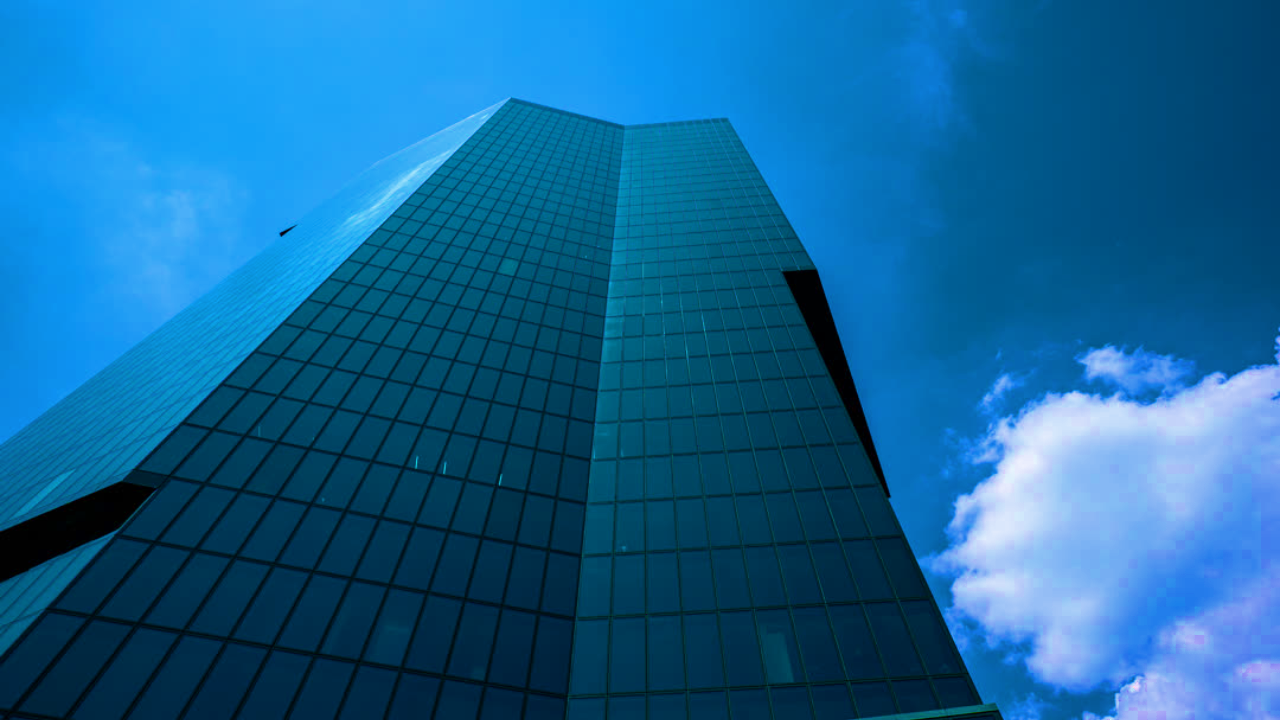
vibrance()
linearGradient()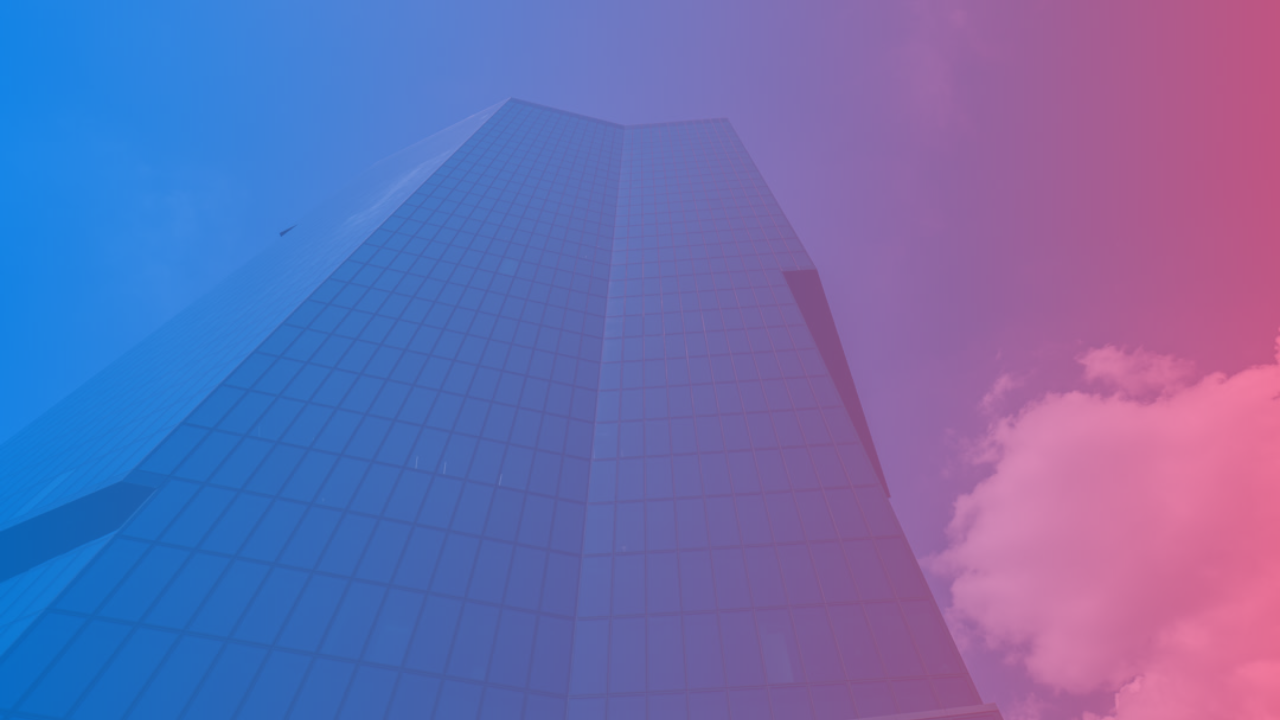
linearGradientTint()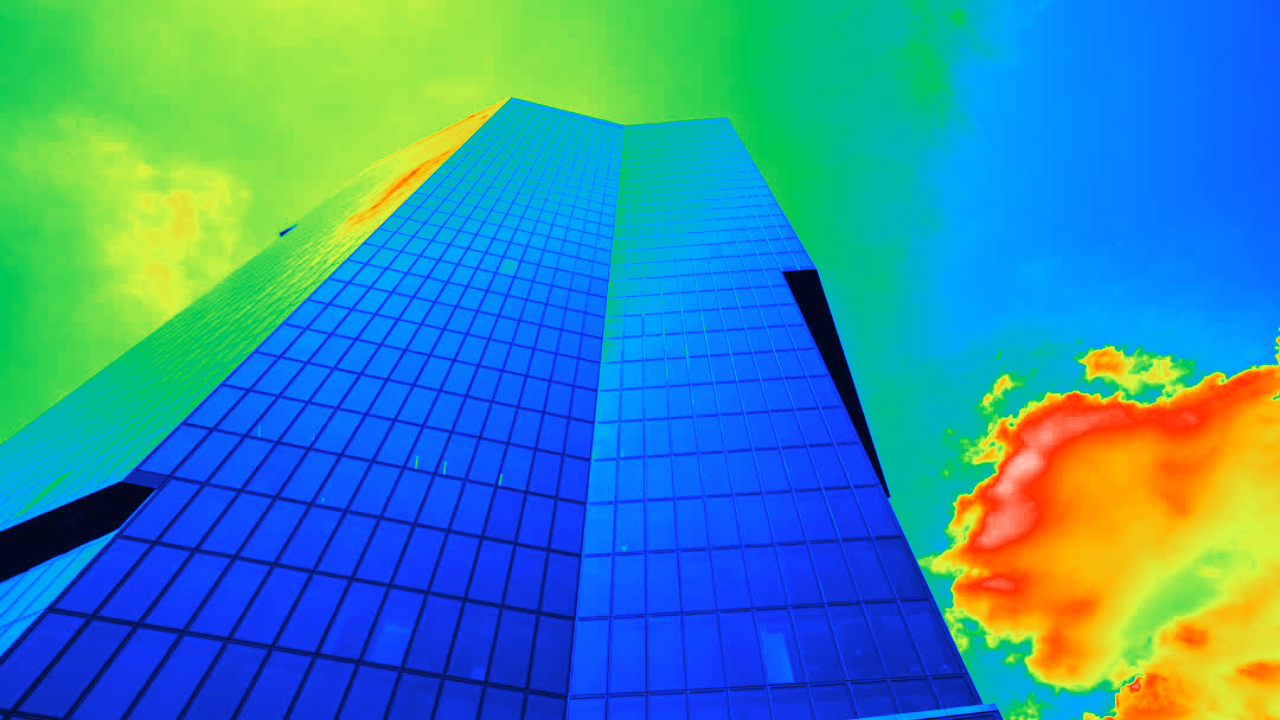
thermalVision()Blur & Shadow

blur()
linearProgressiveBlur()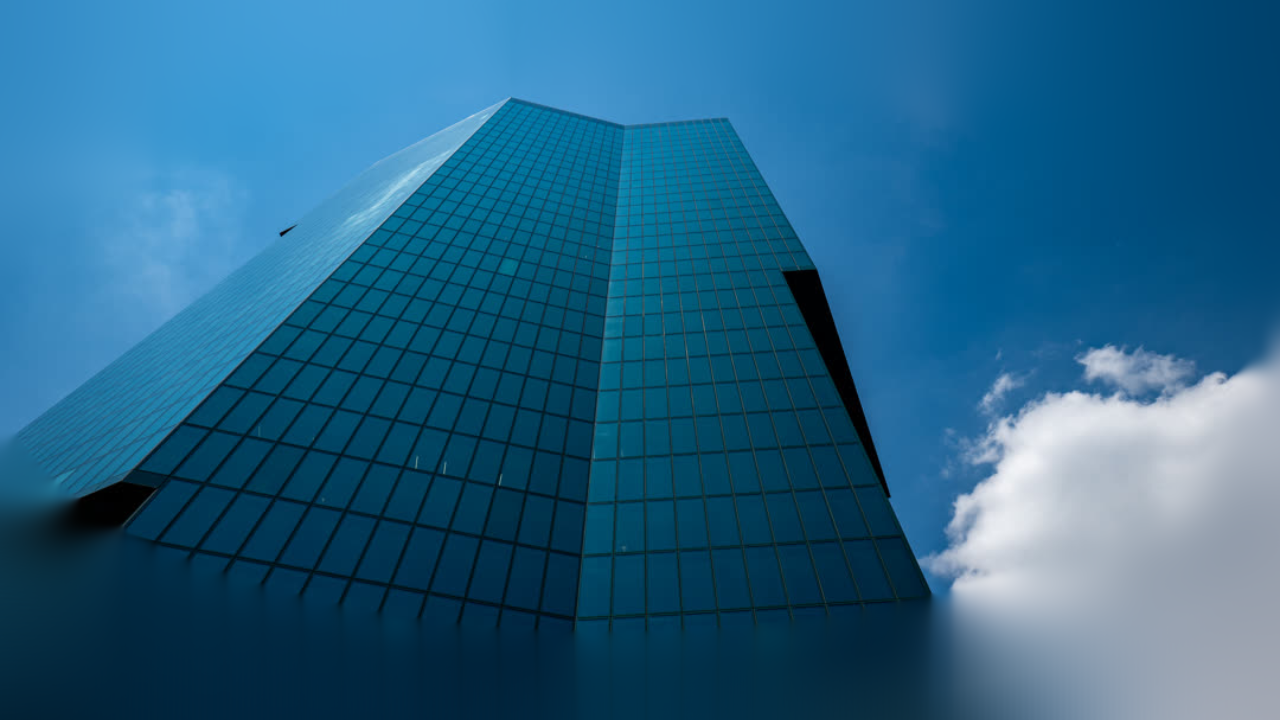
radialProgressiveBlur()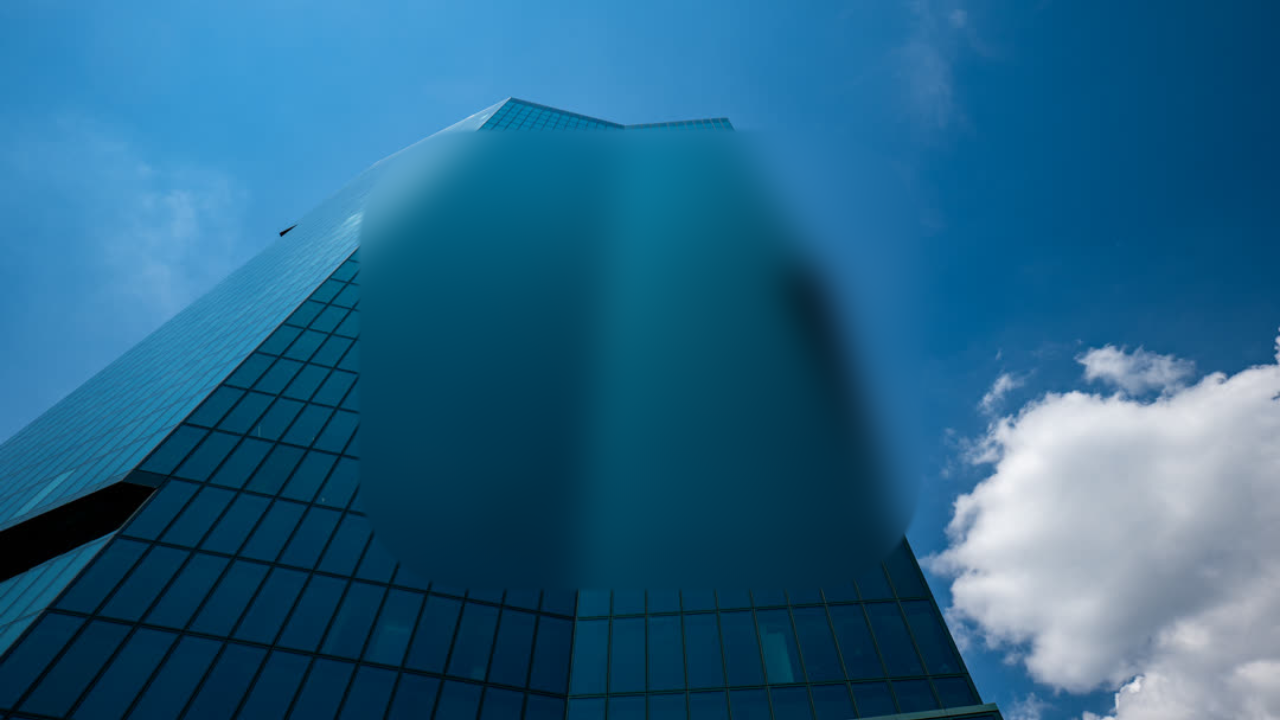
regionBlur()
zoomBlur()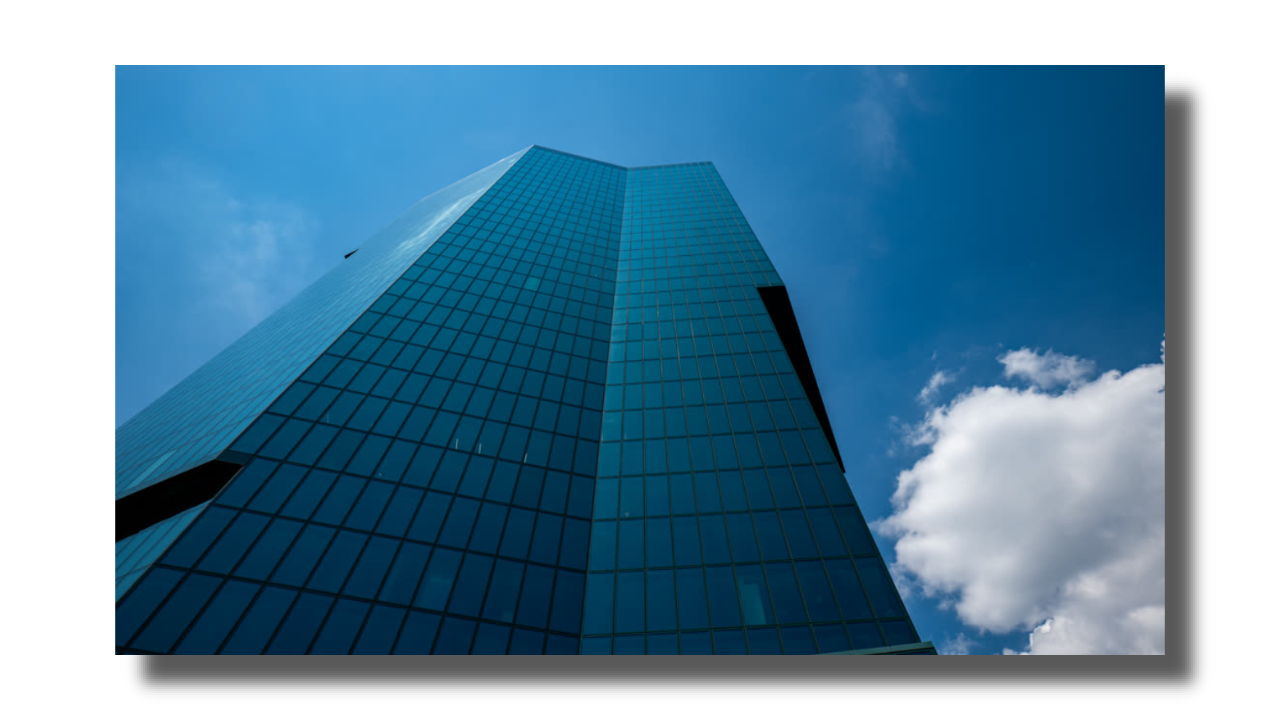
dropShadow()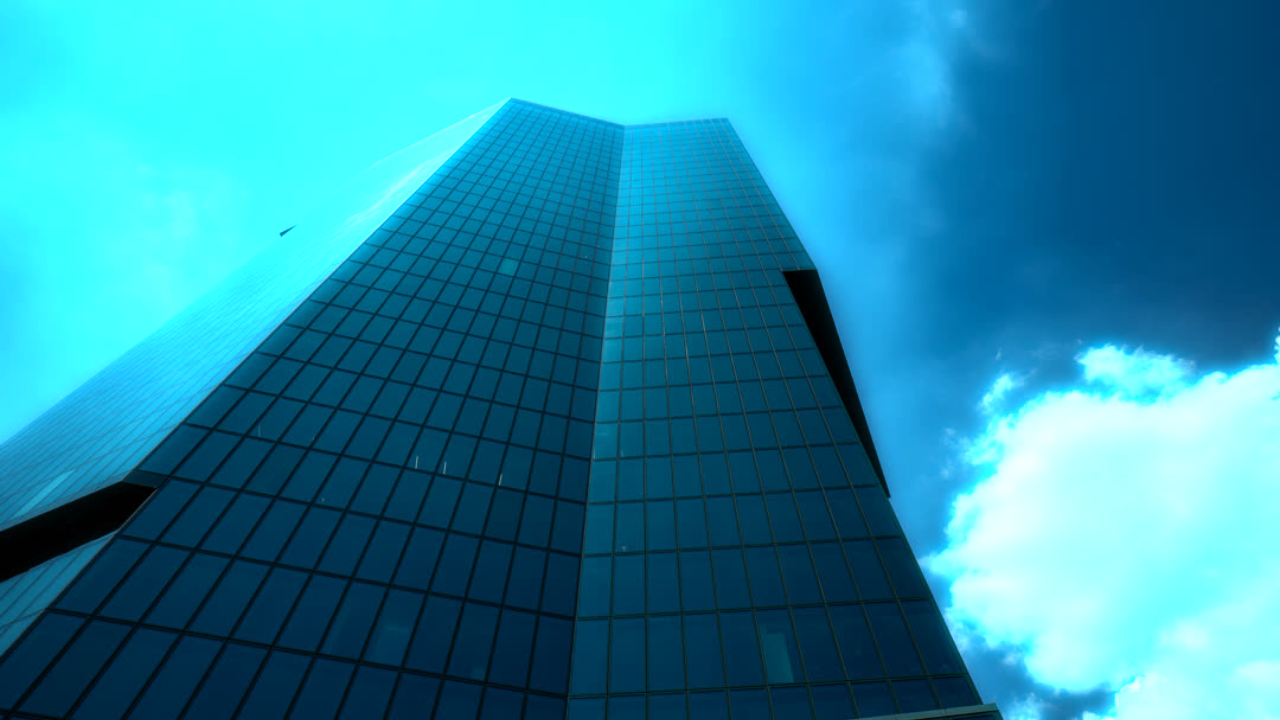
glow()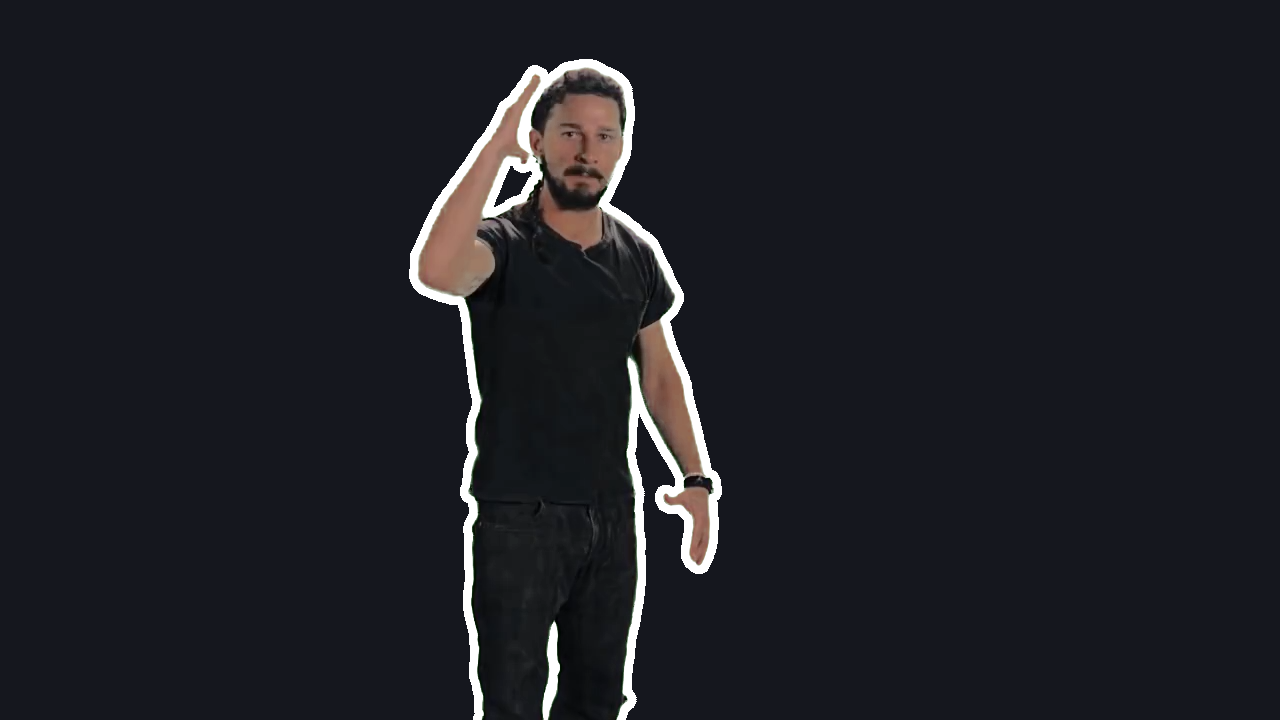
outline()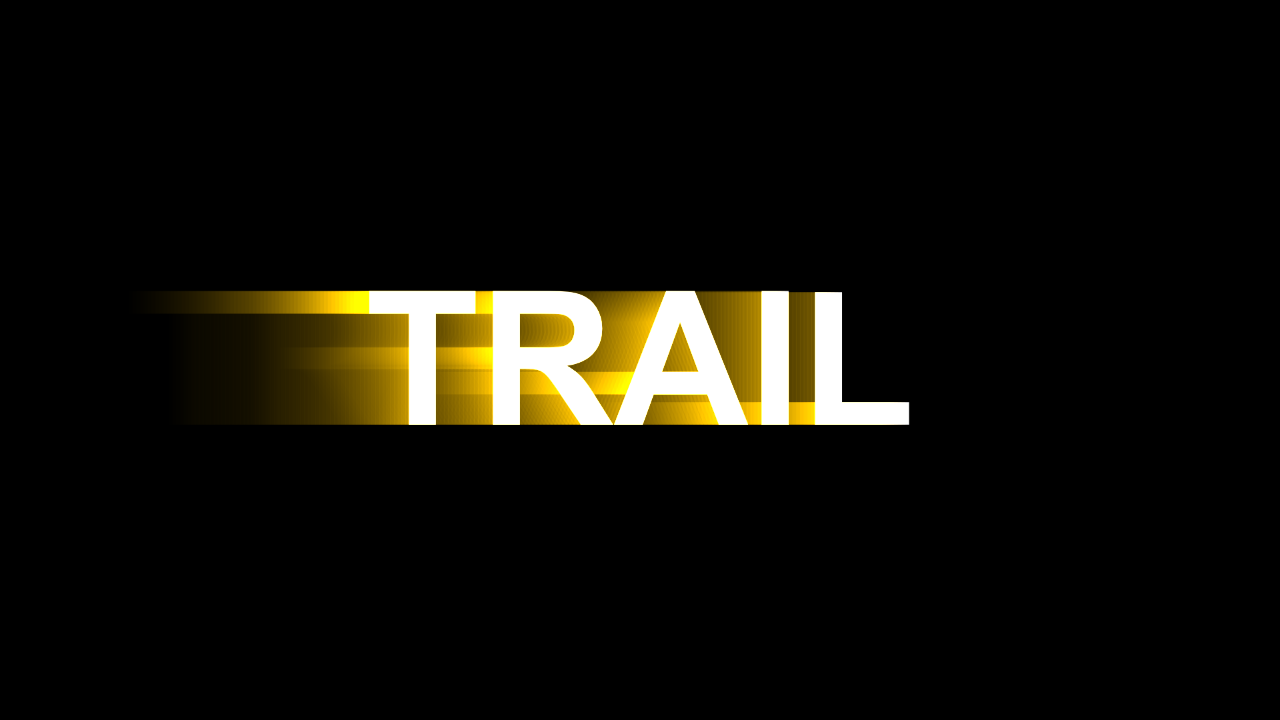
lightTrail()Reveal
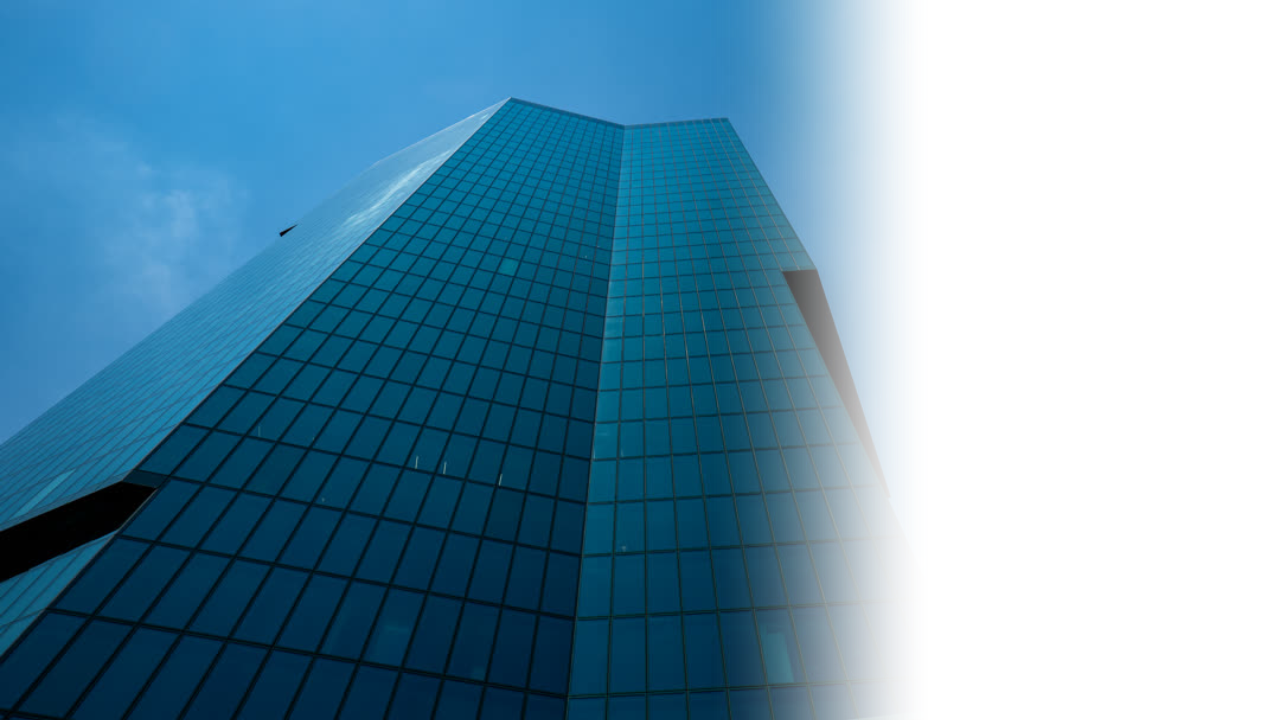
evolve()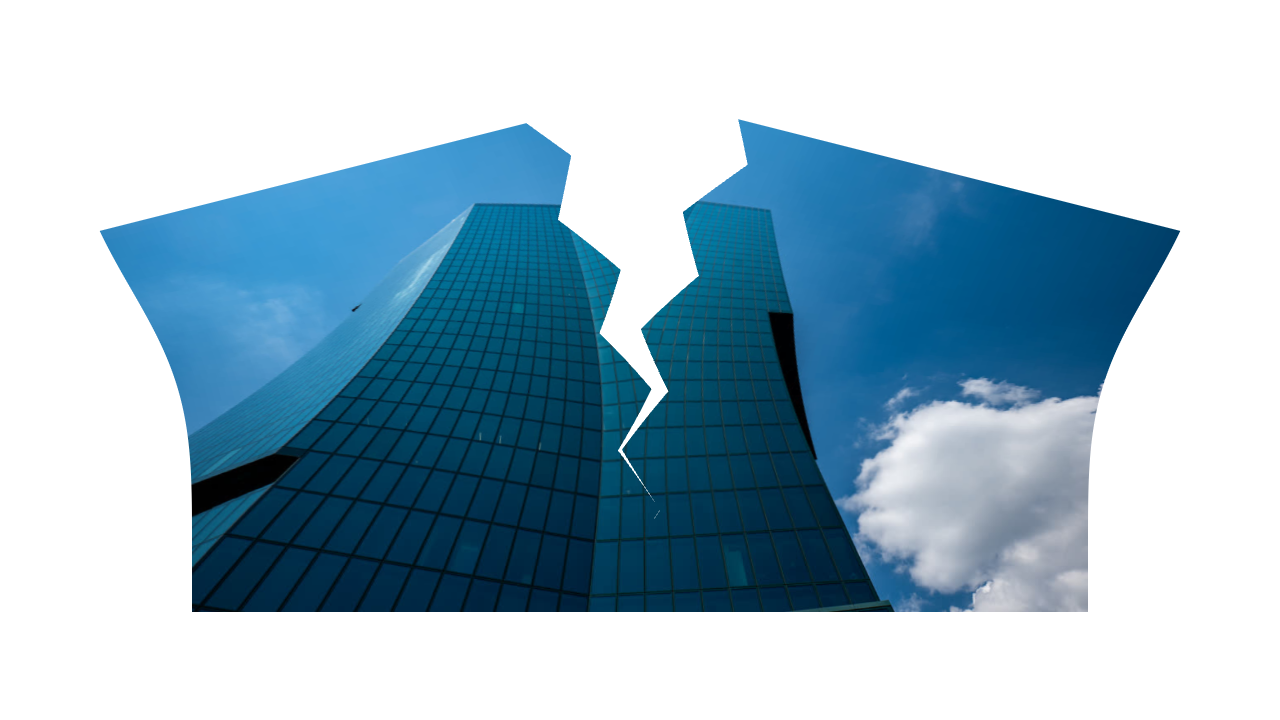
tear()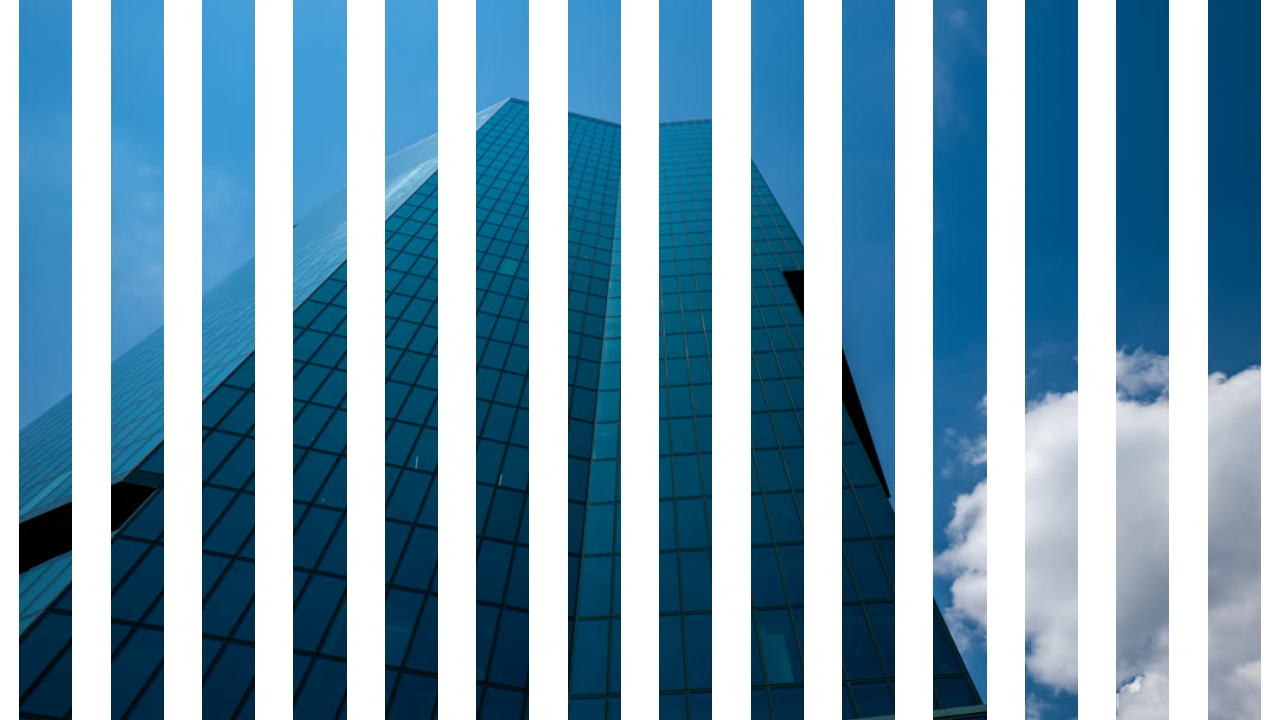
venetianBlinds()Transform
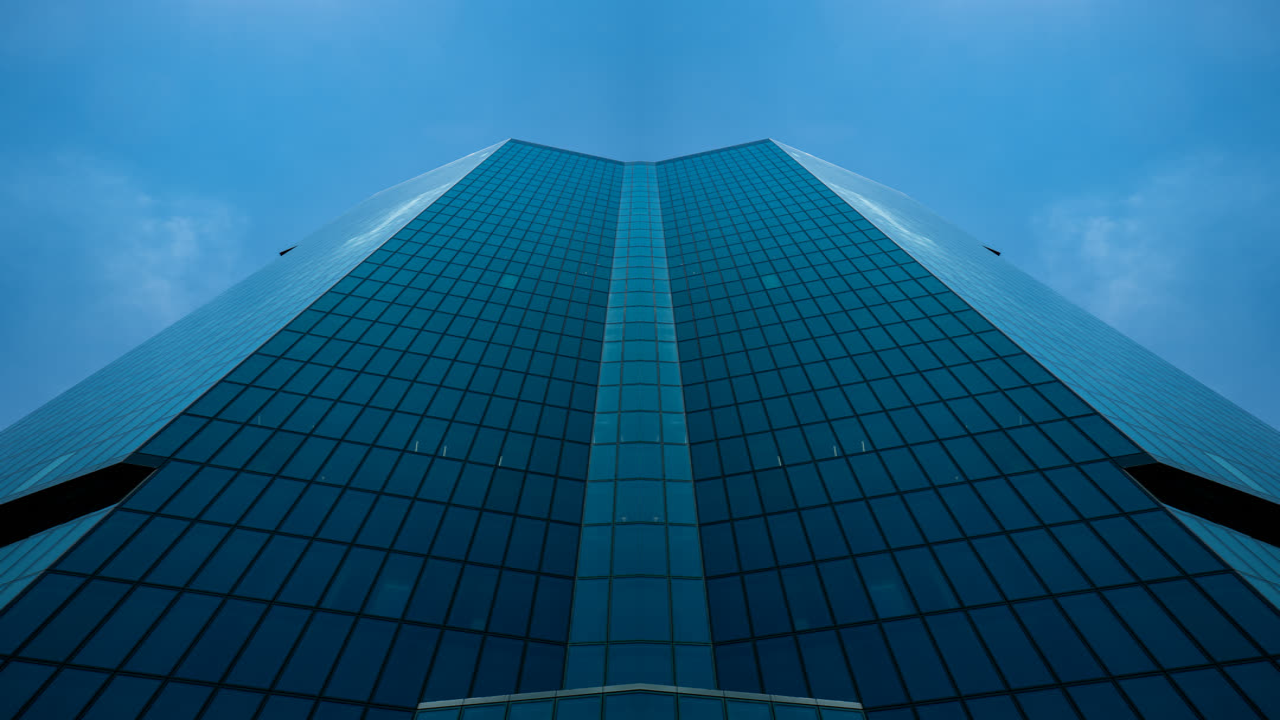
mirror()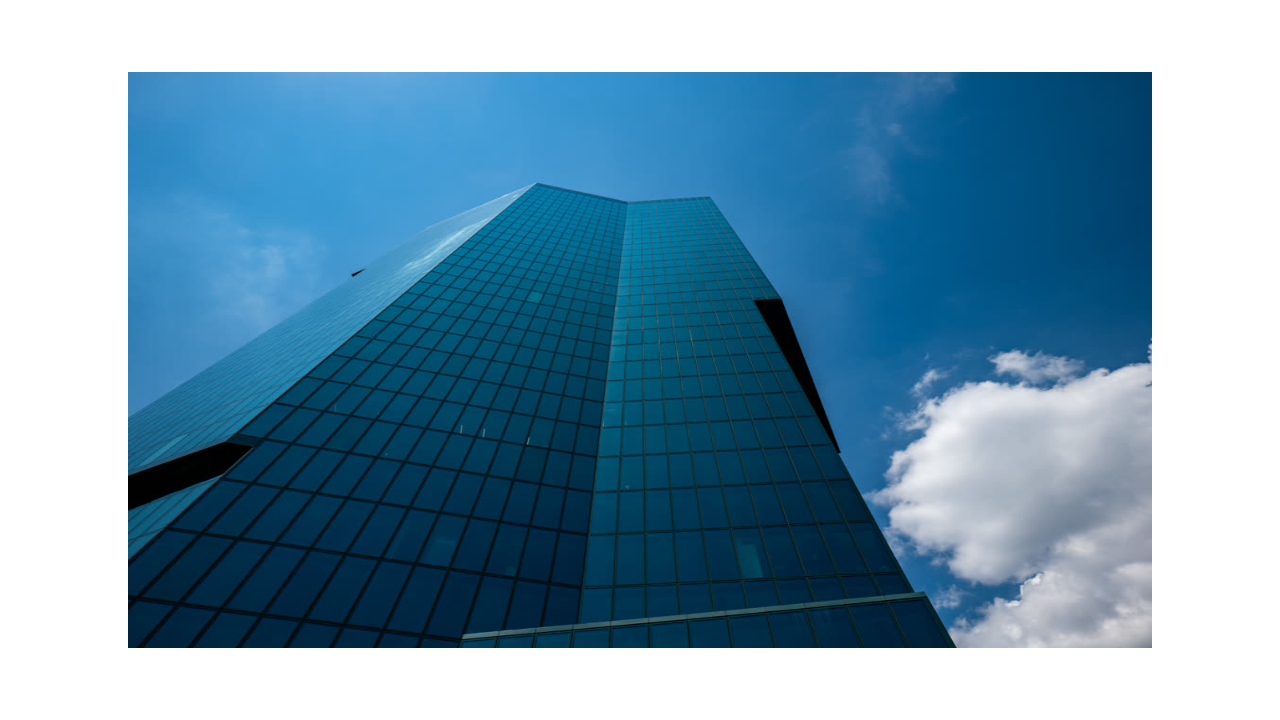
scale()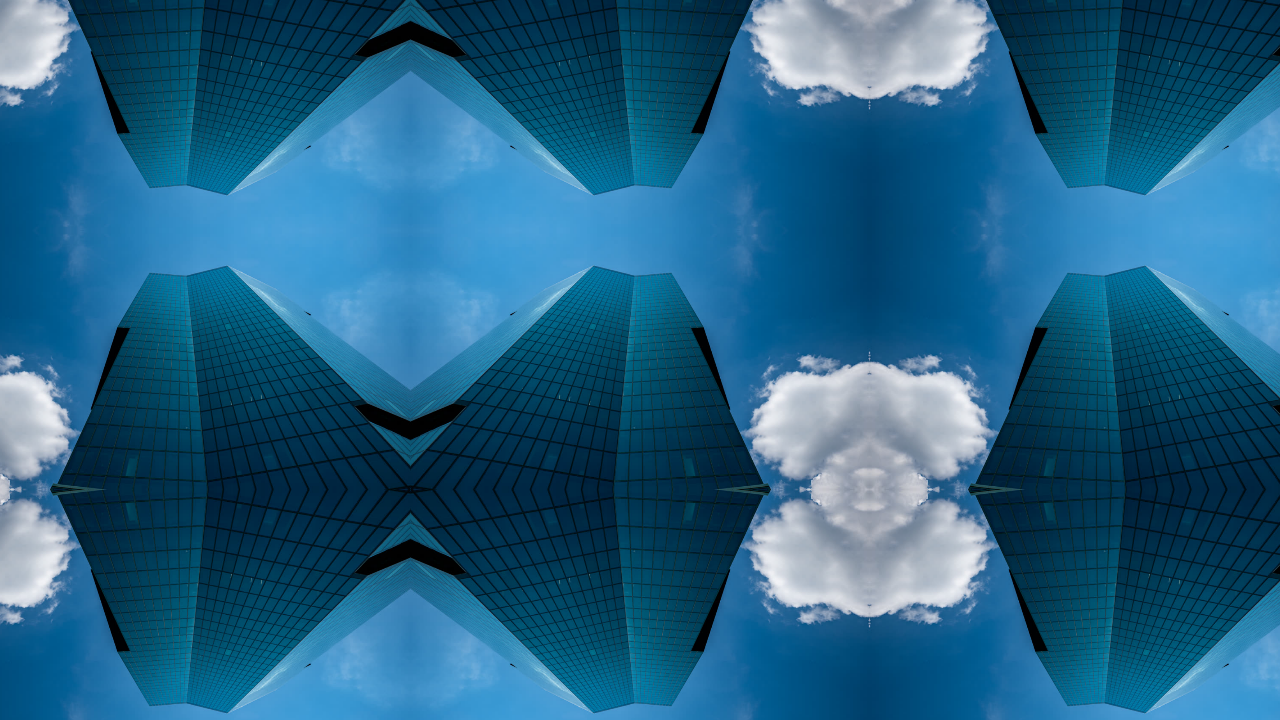
tile()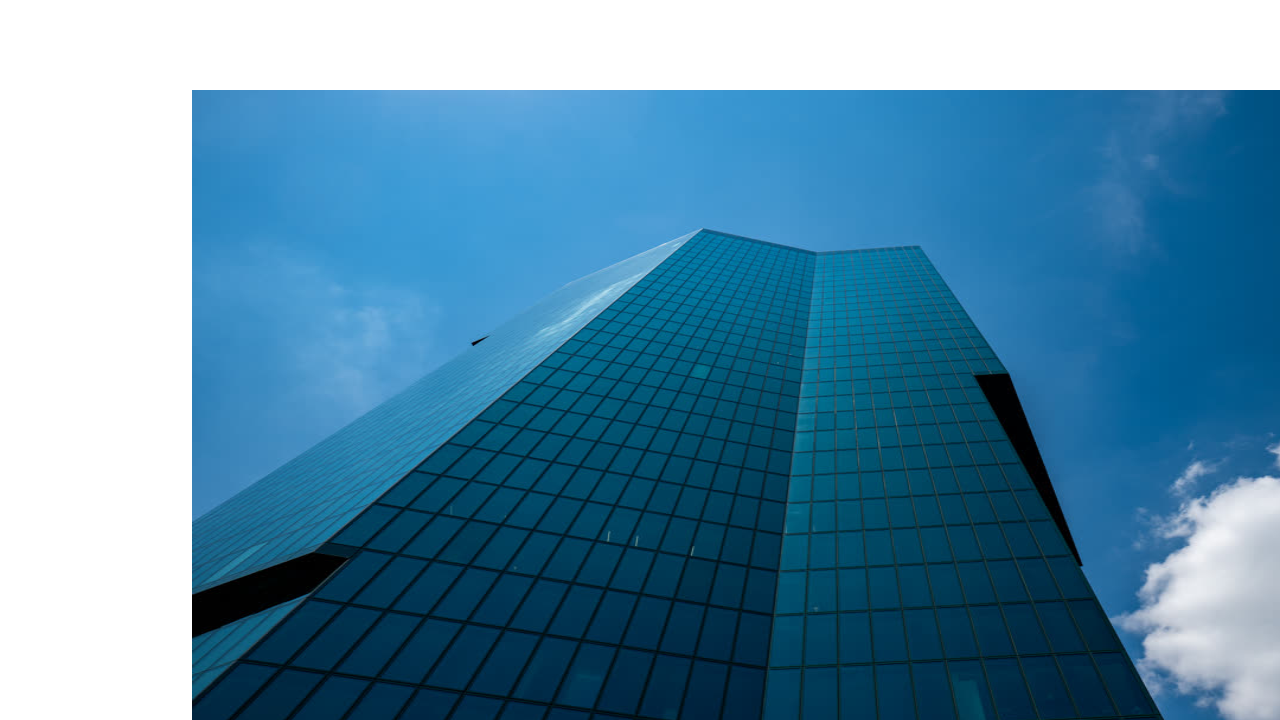
uvTranslate()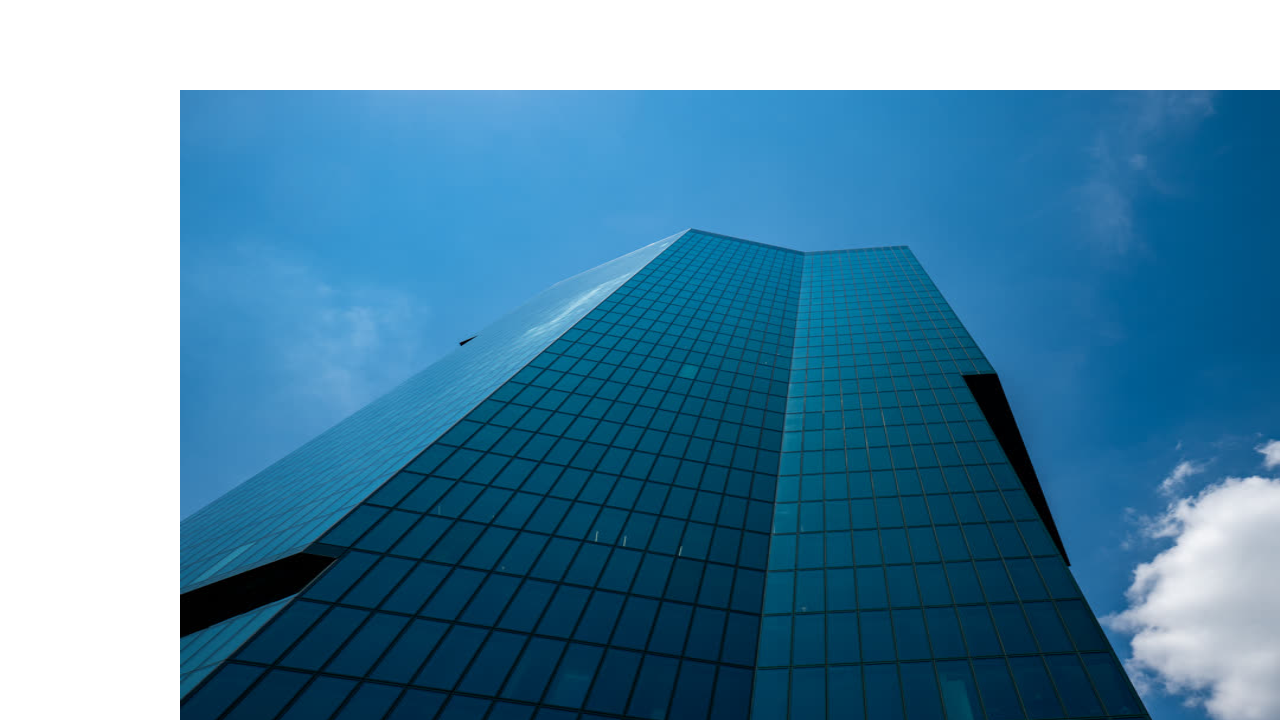
xyTranslate()Distort
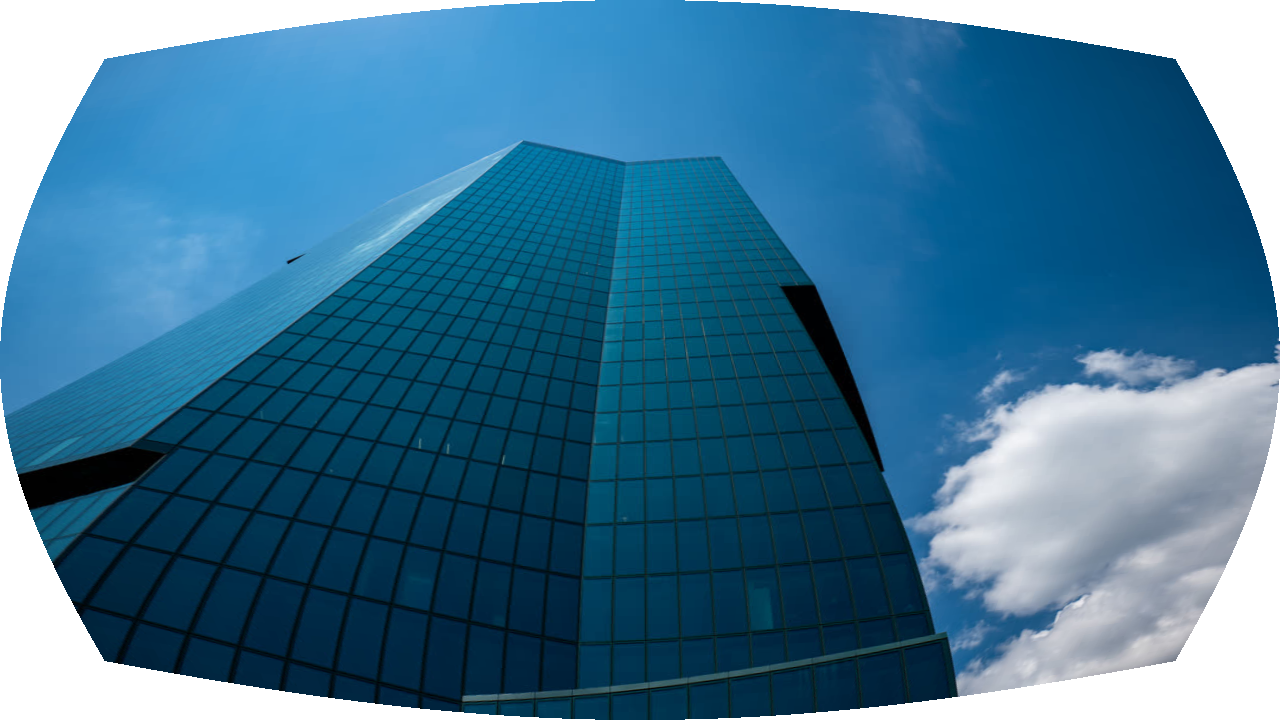
barrelDistortion()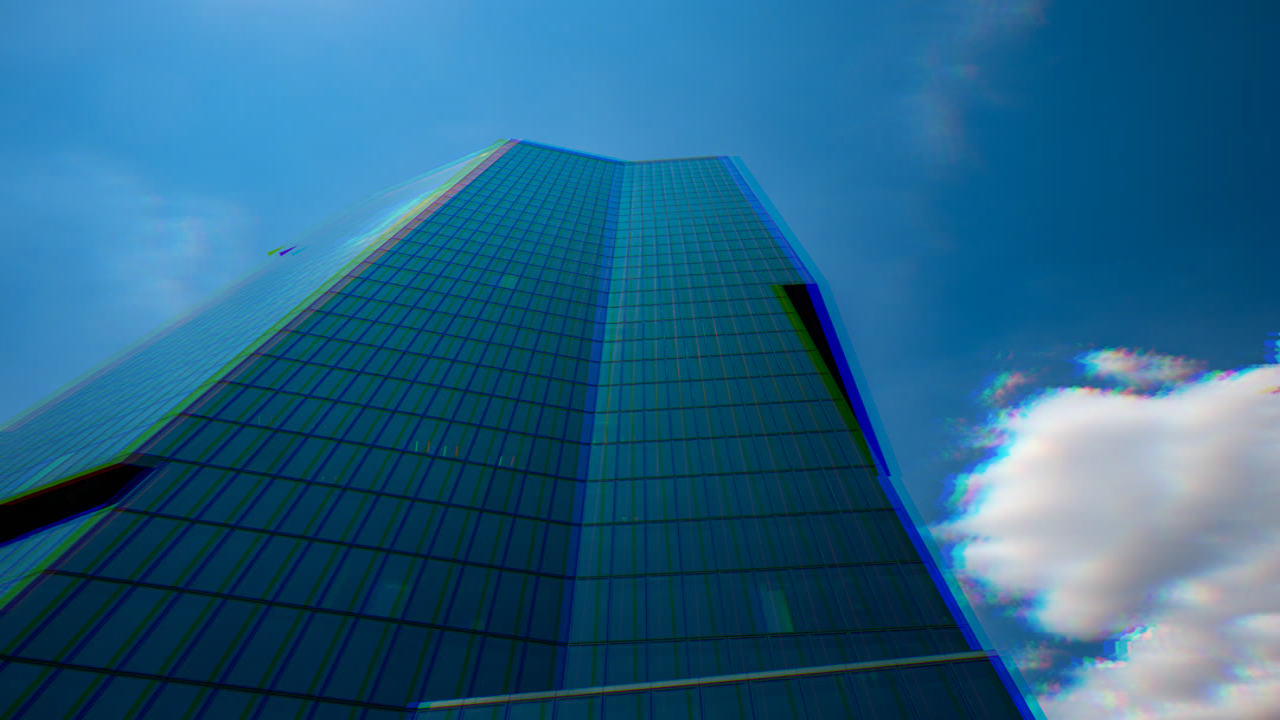
chromaticAberration()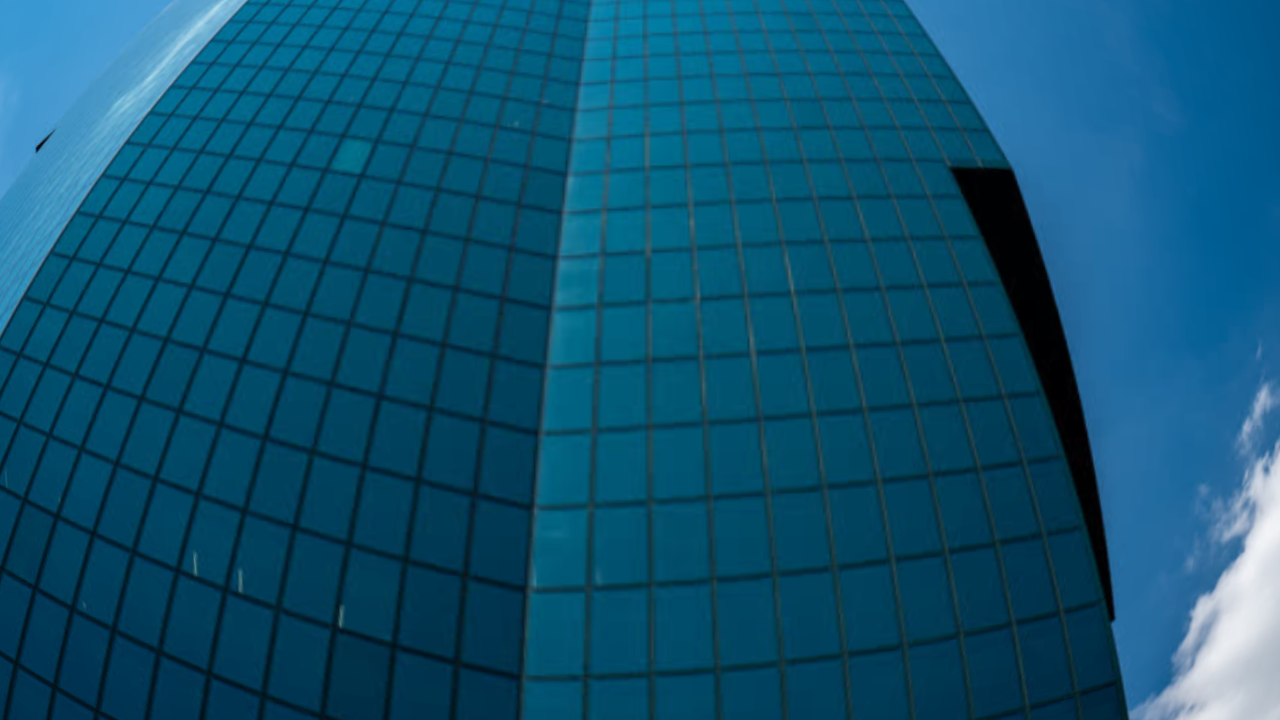
fisheye()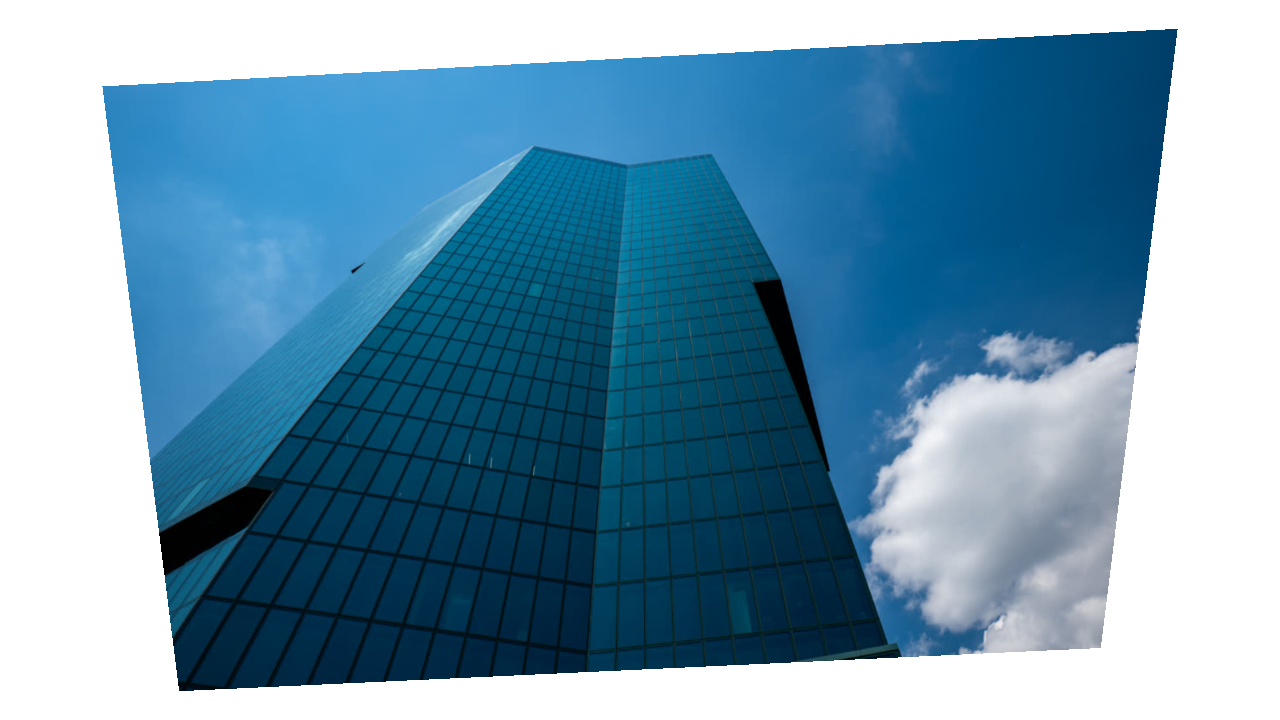
cornerPin()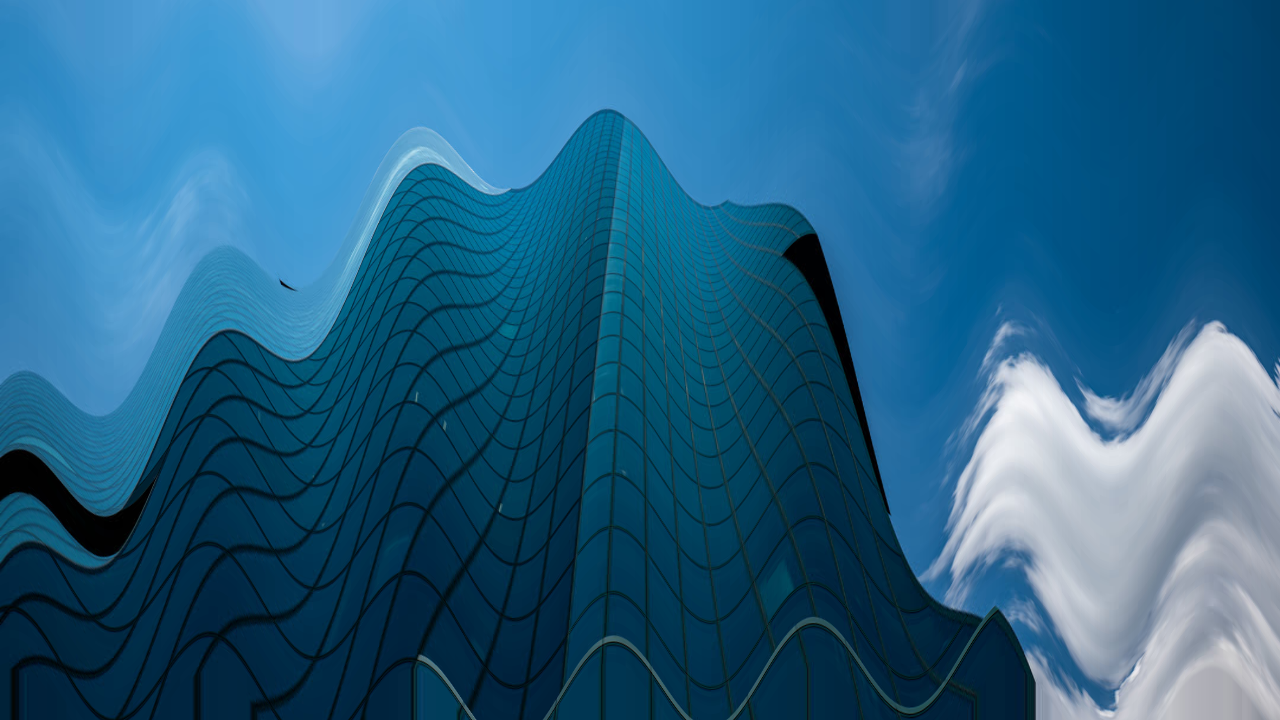
wave()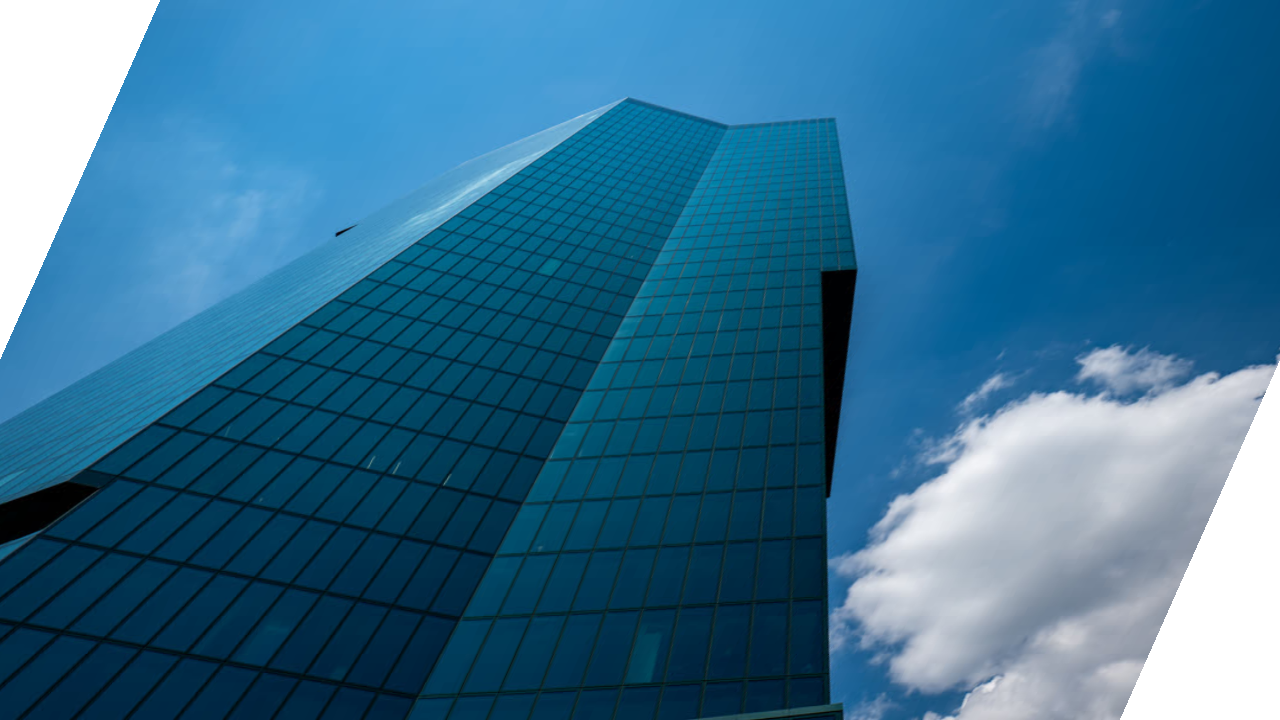
skew()Stylize
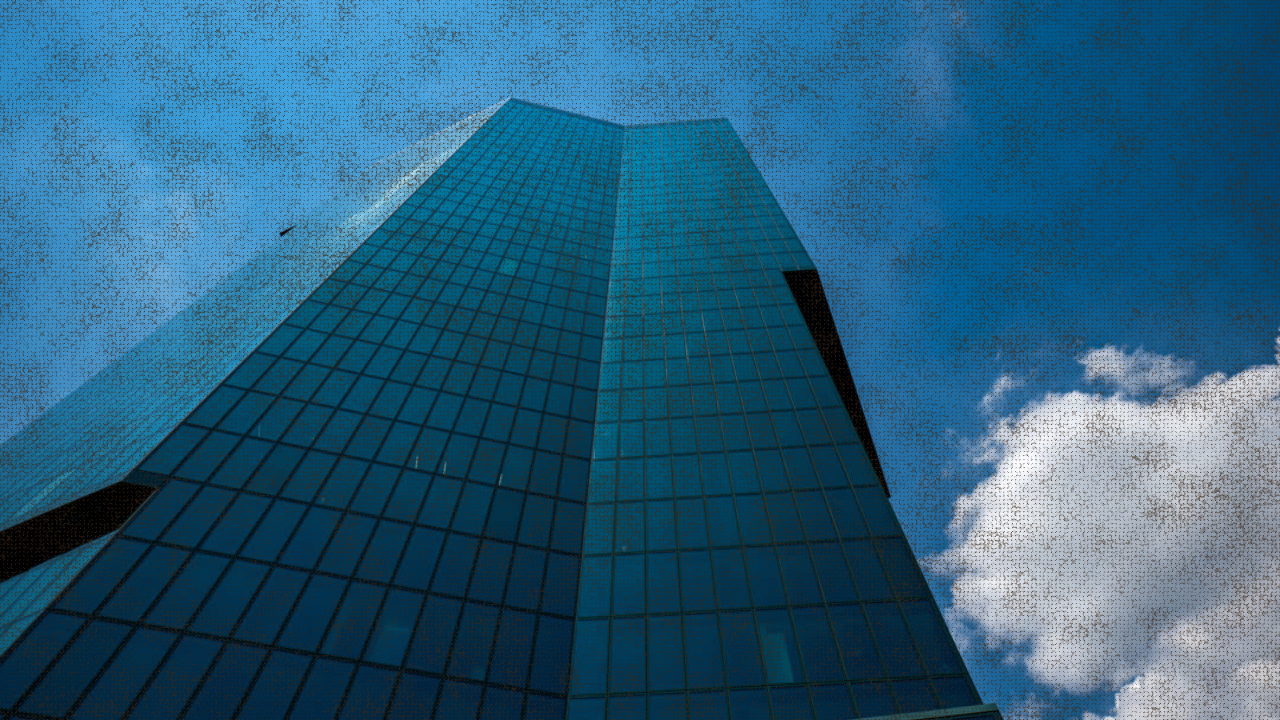
burlap()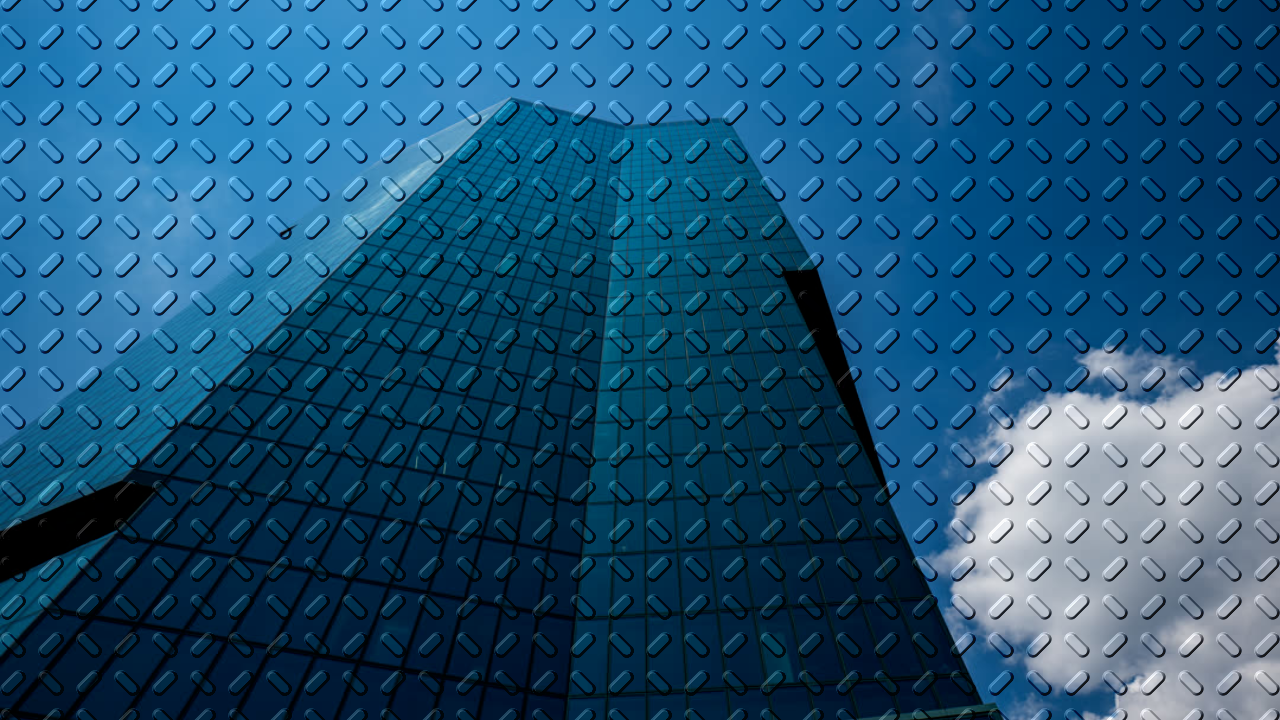
emboss()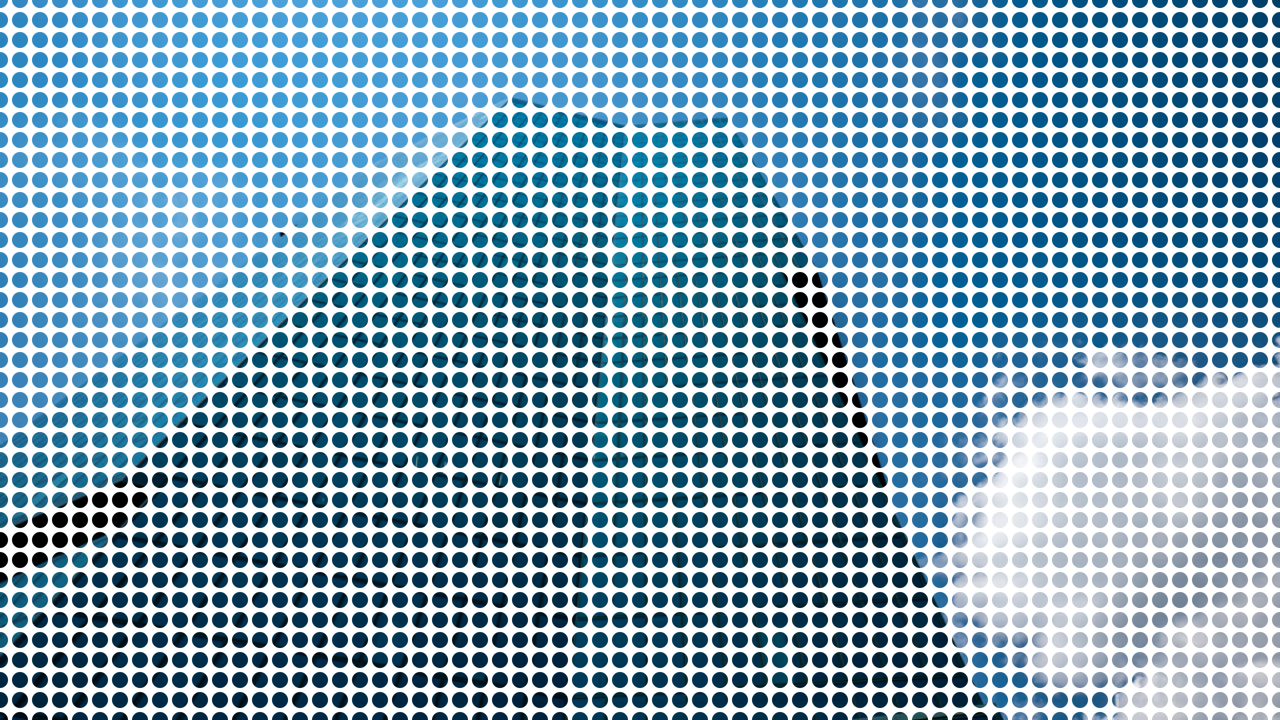
dotGrid()
halftone()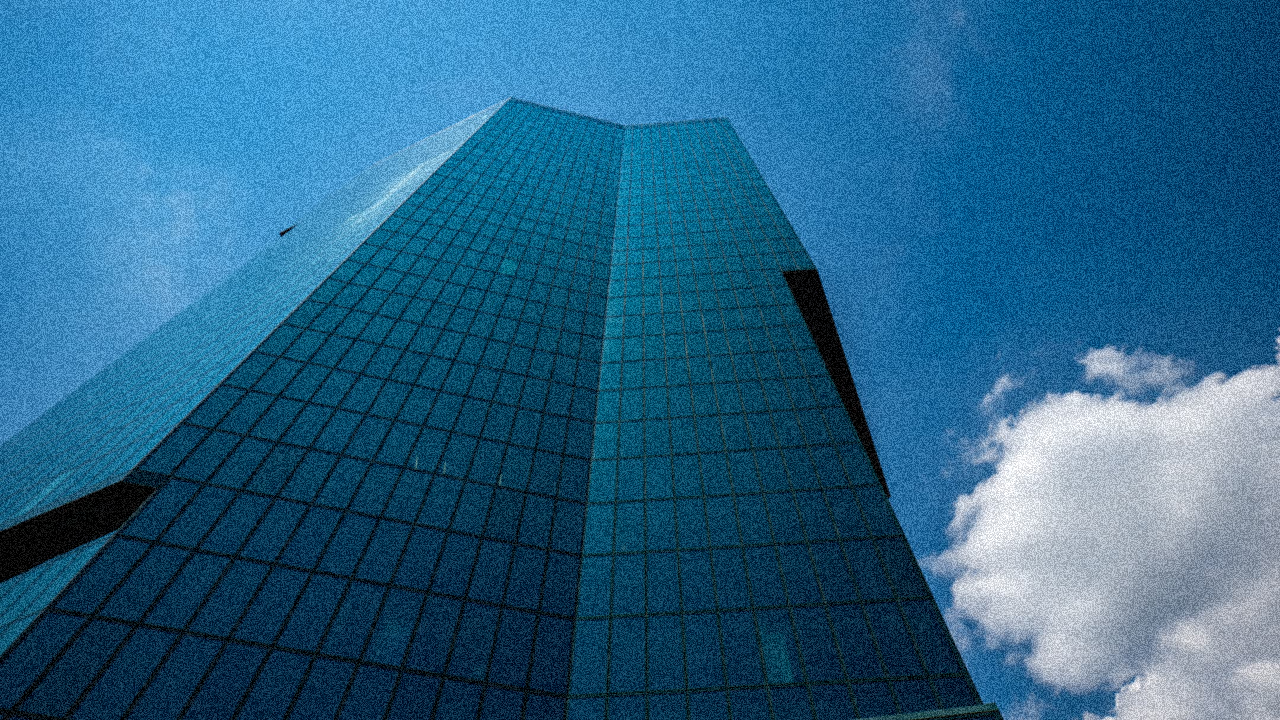
noise()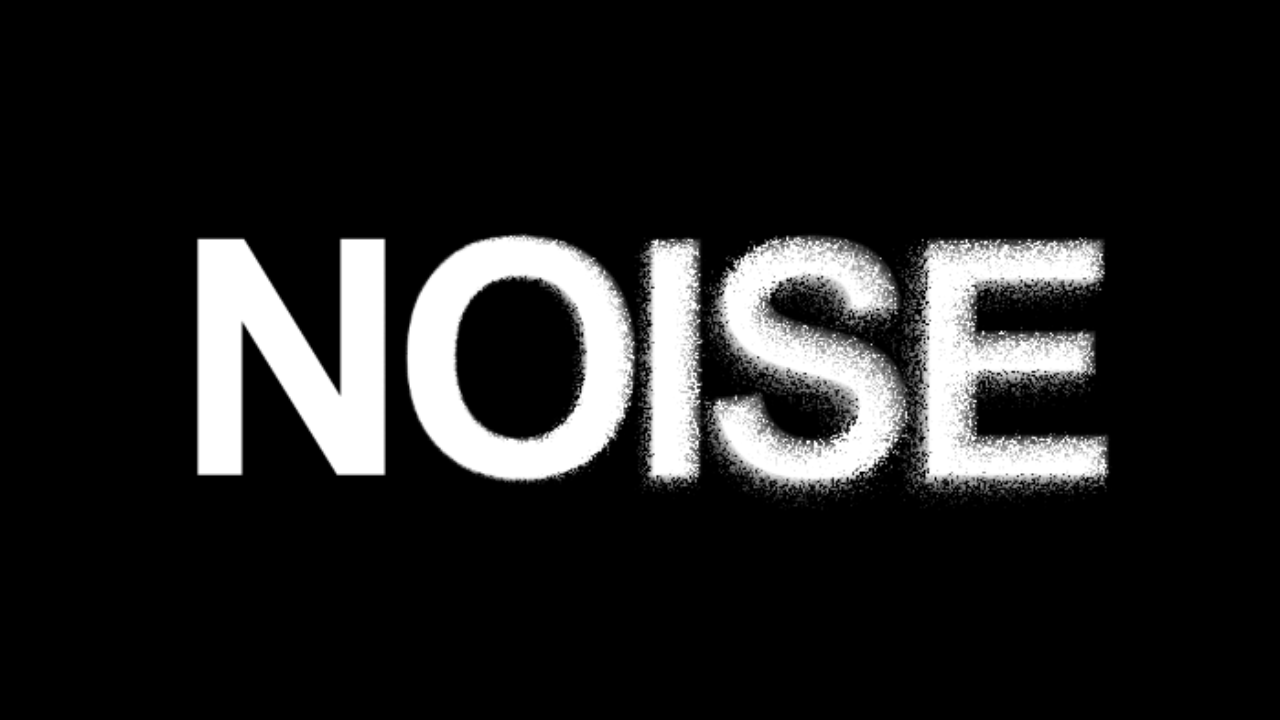
noiseDisplacement()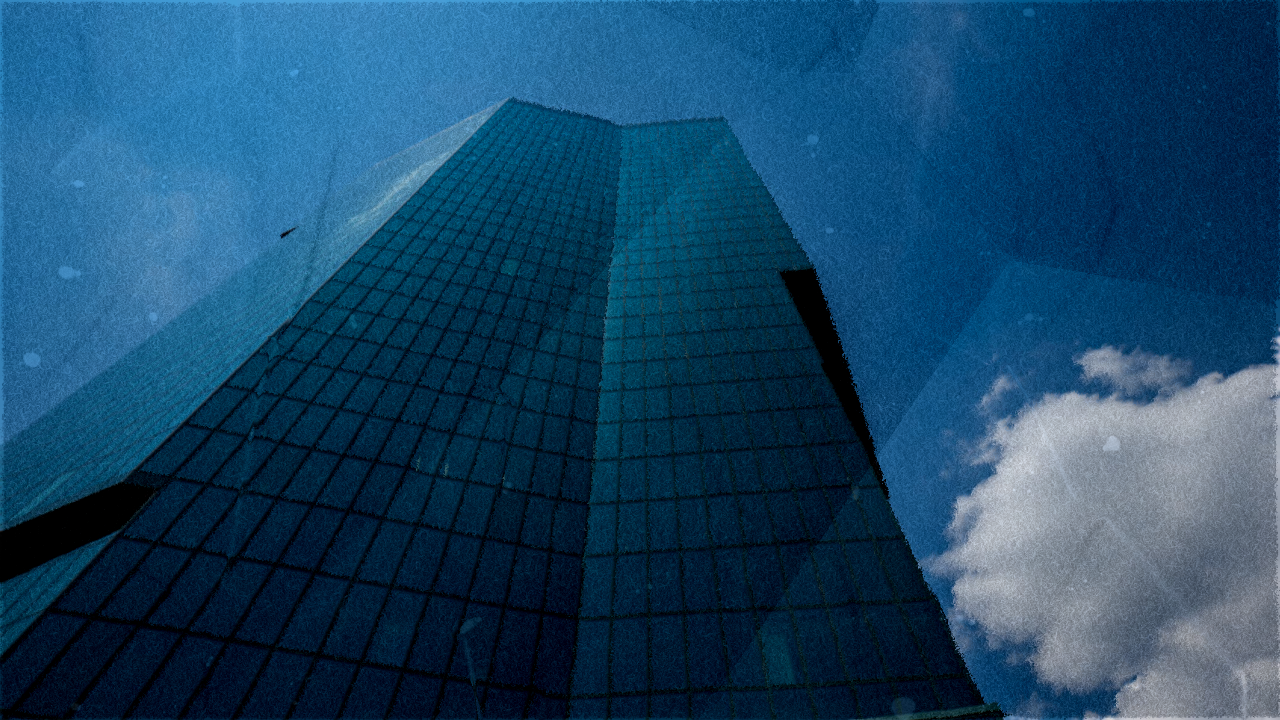
paper()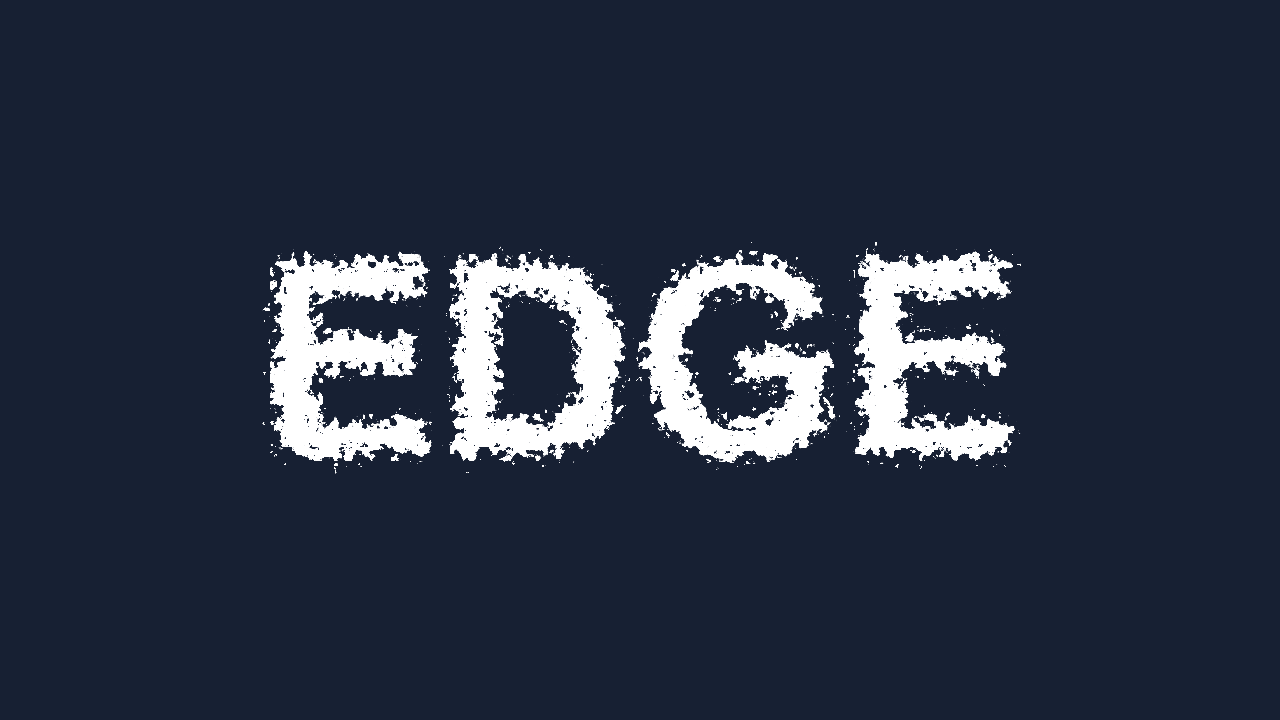
roughenEdges()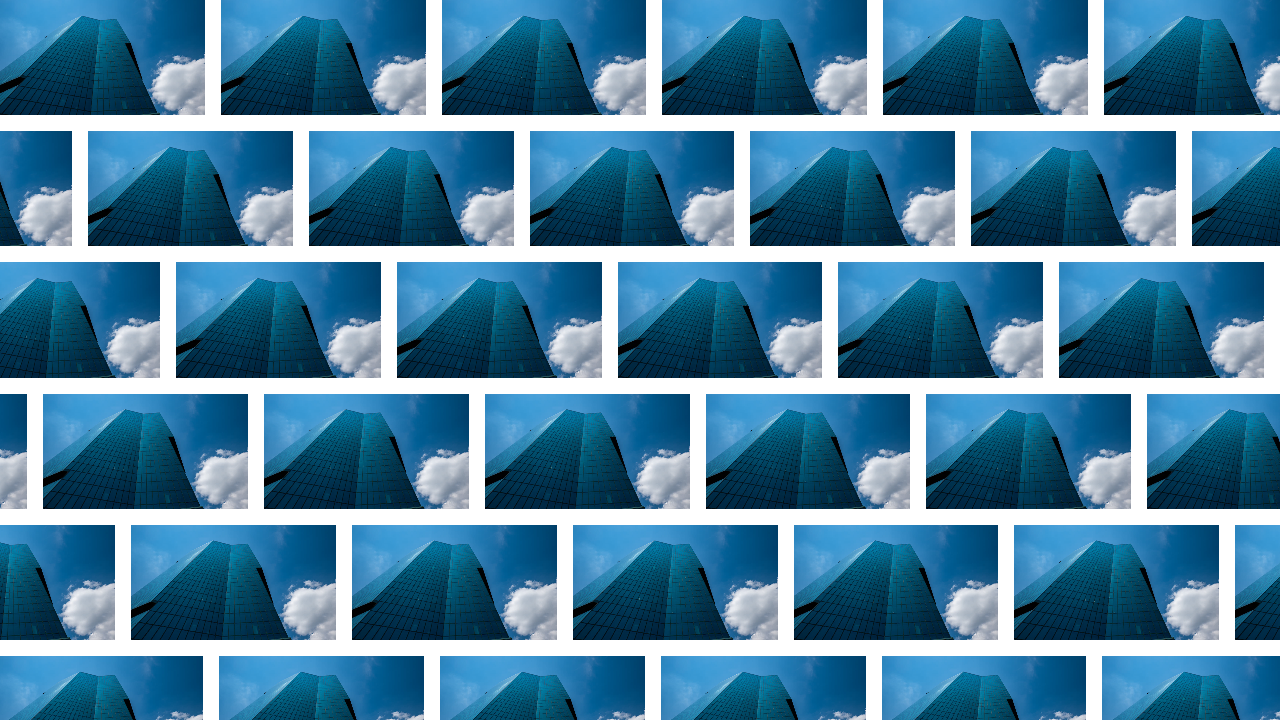
pattern()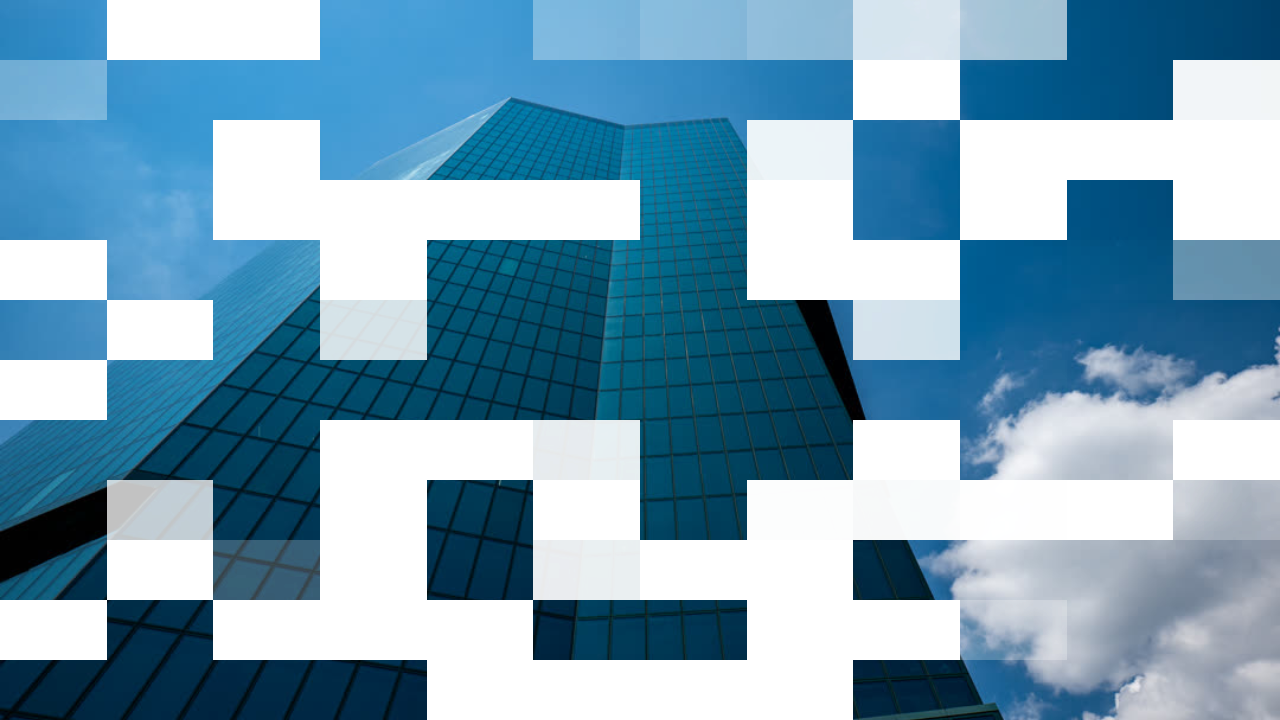
pixelDissolve()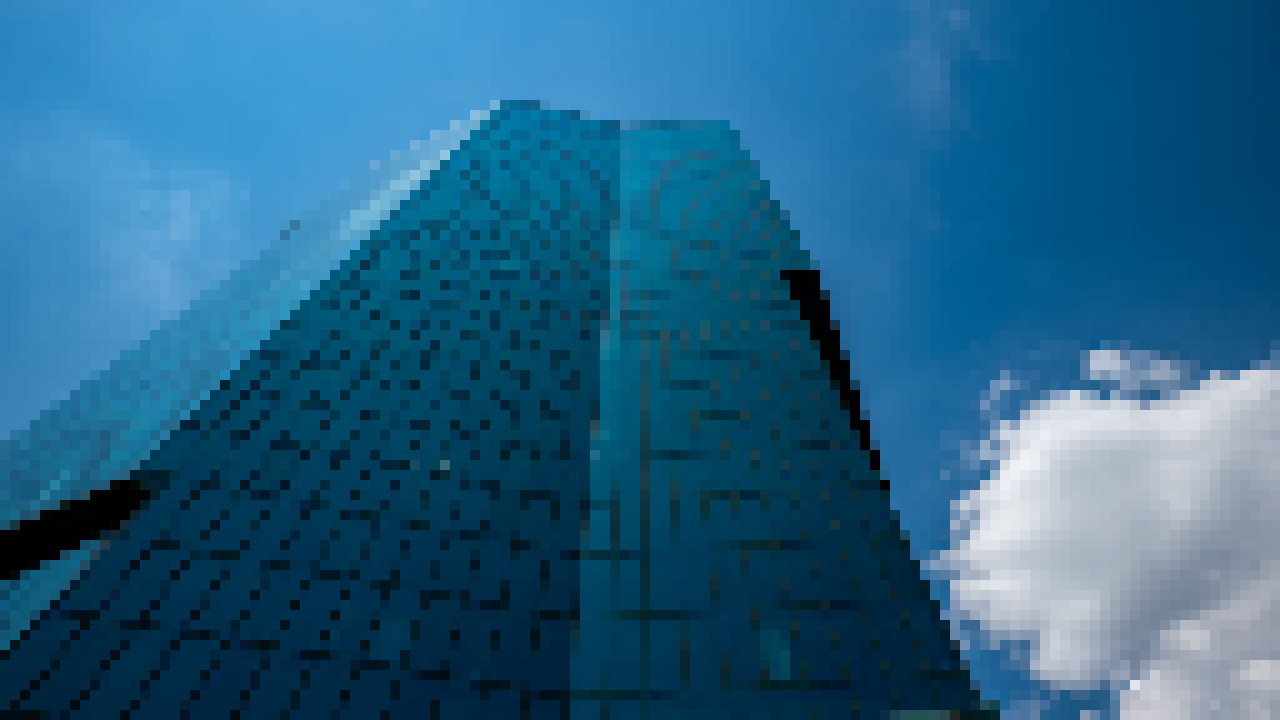
pixelate()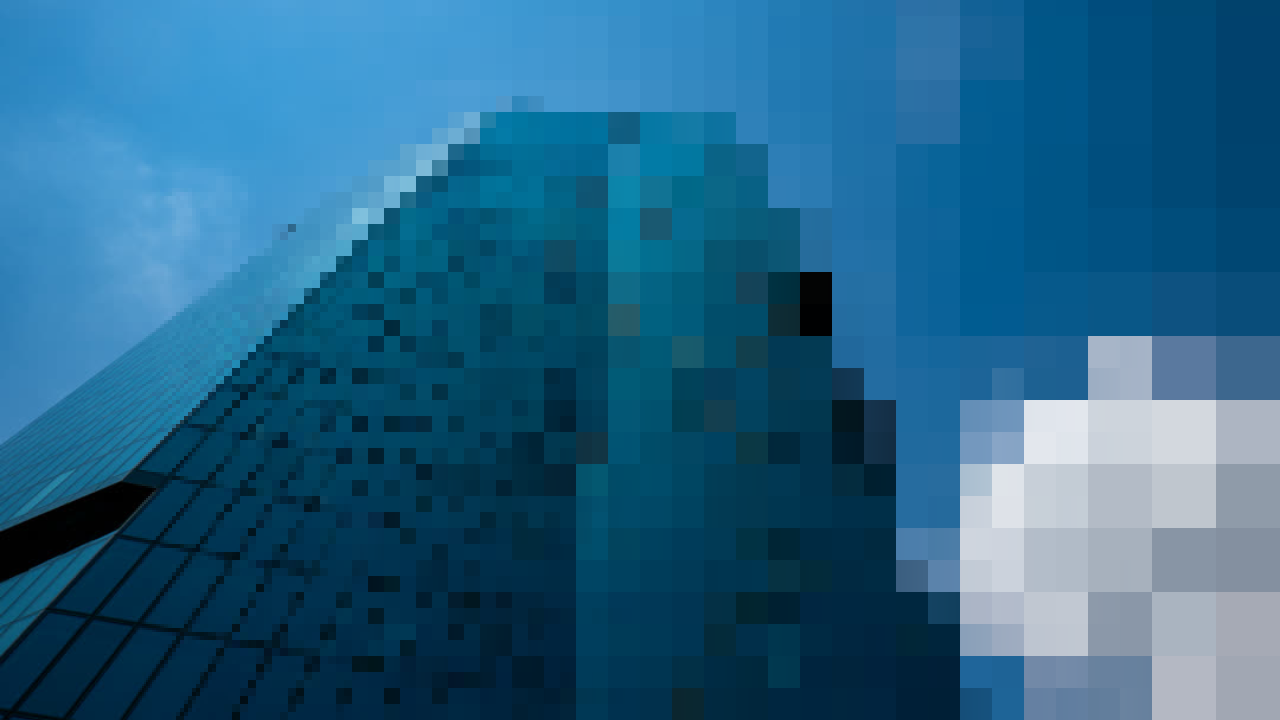
linearProgressivePixelate()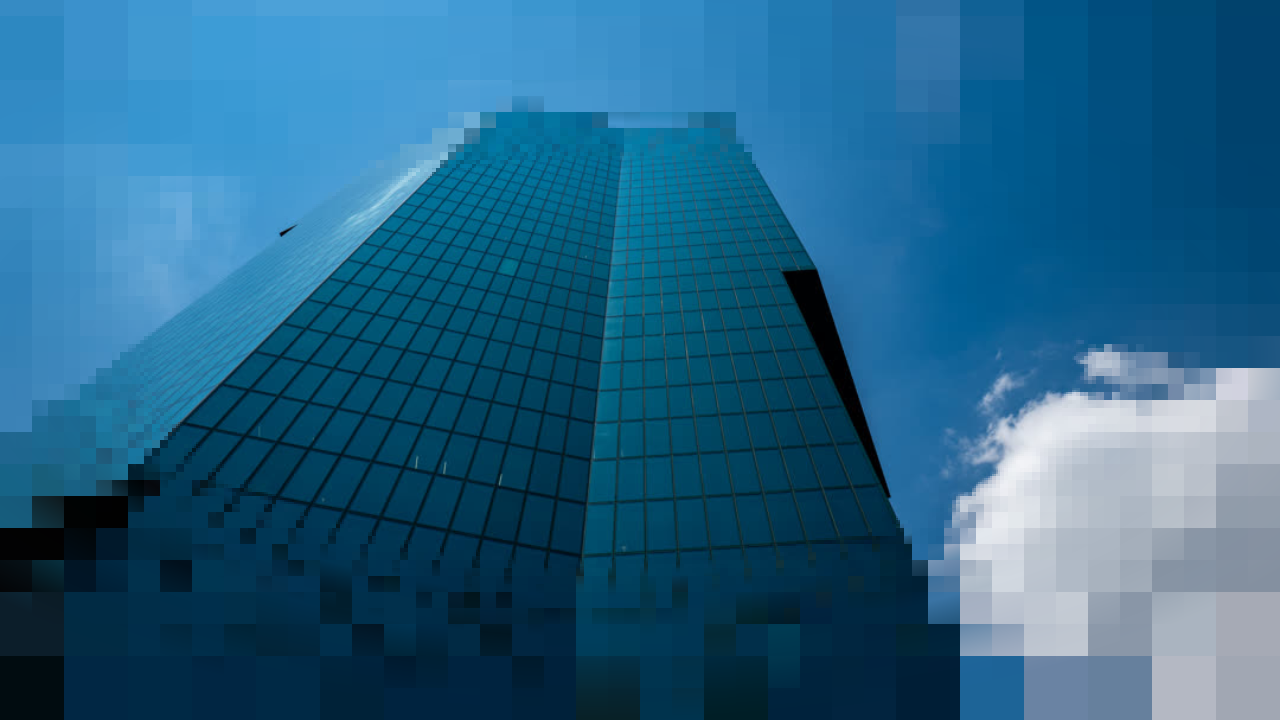
radialProgressivePixelate()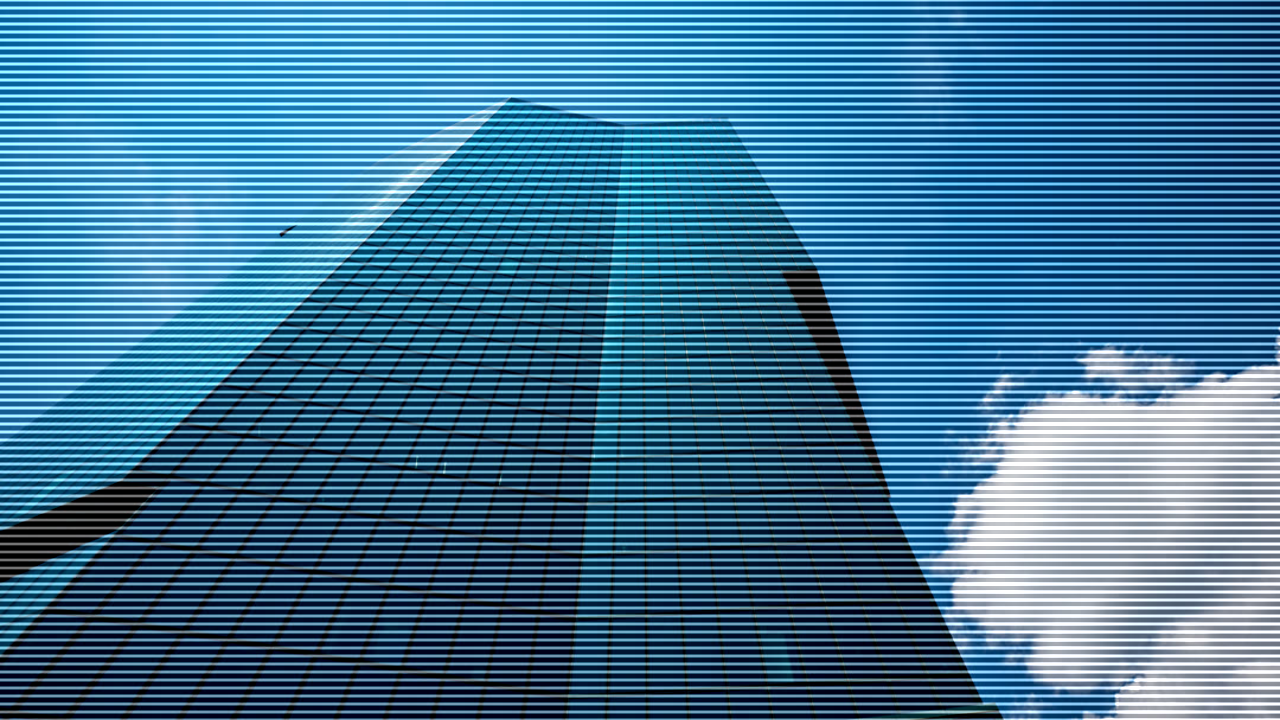
scanlines()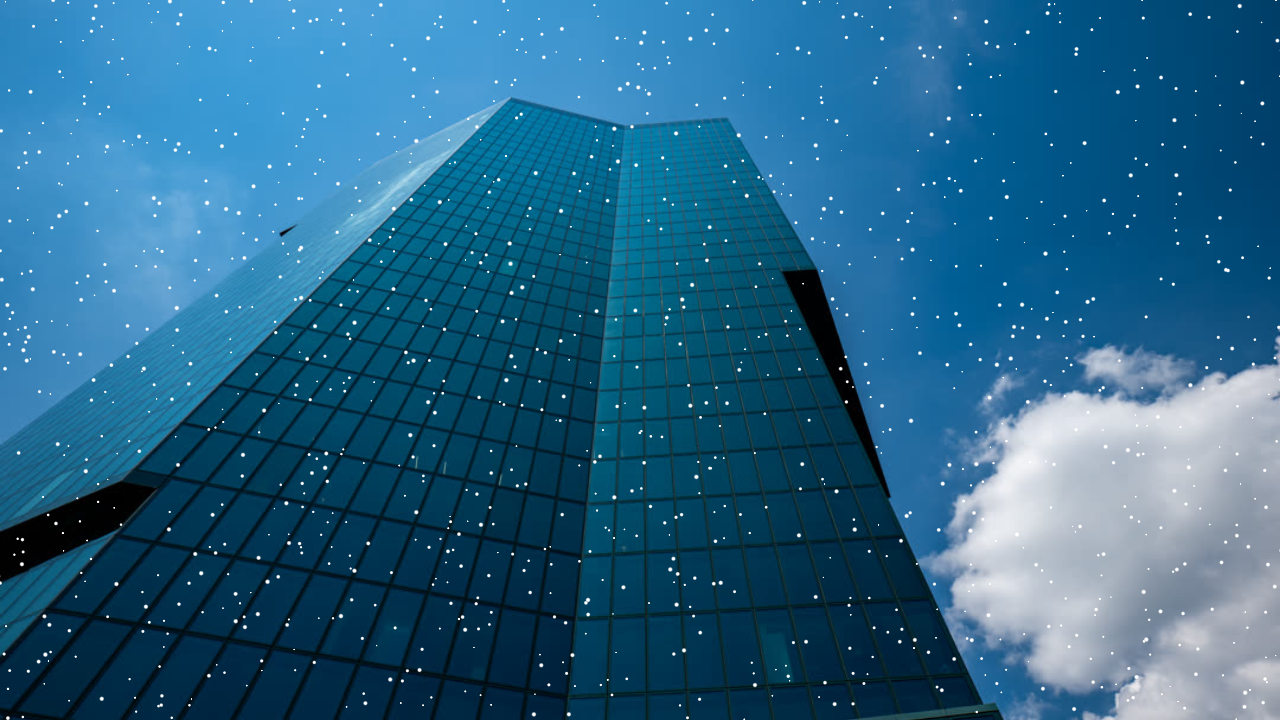
speckle()
shine()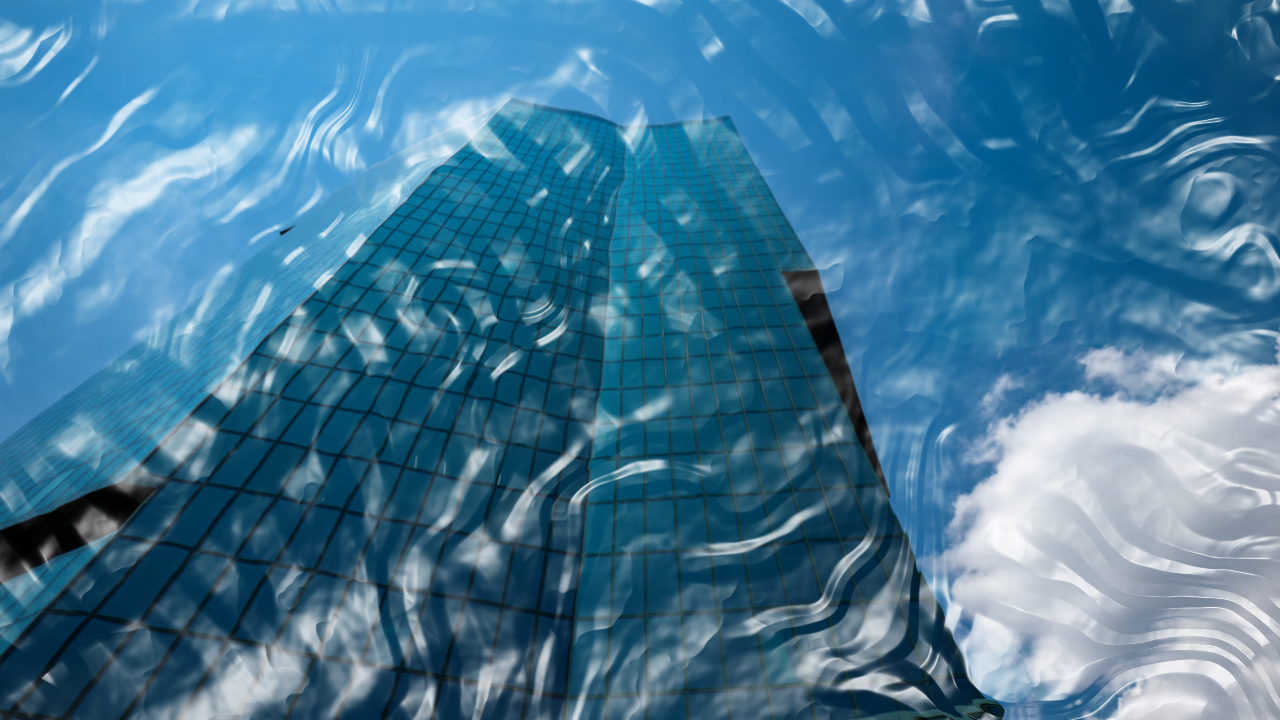
shrinkwrap()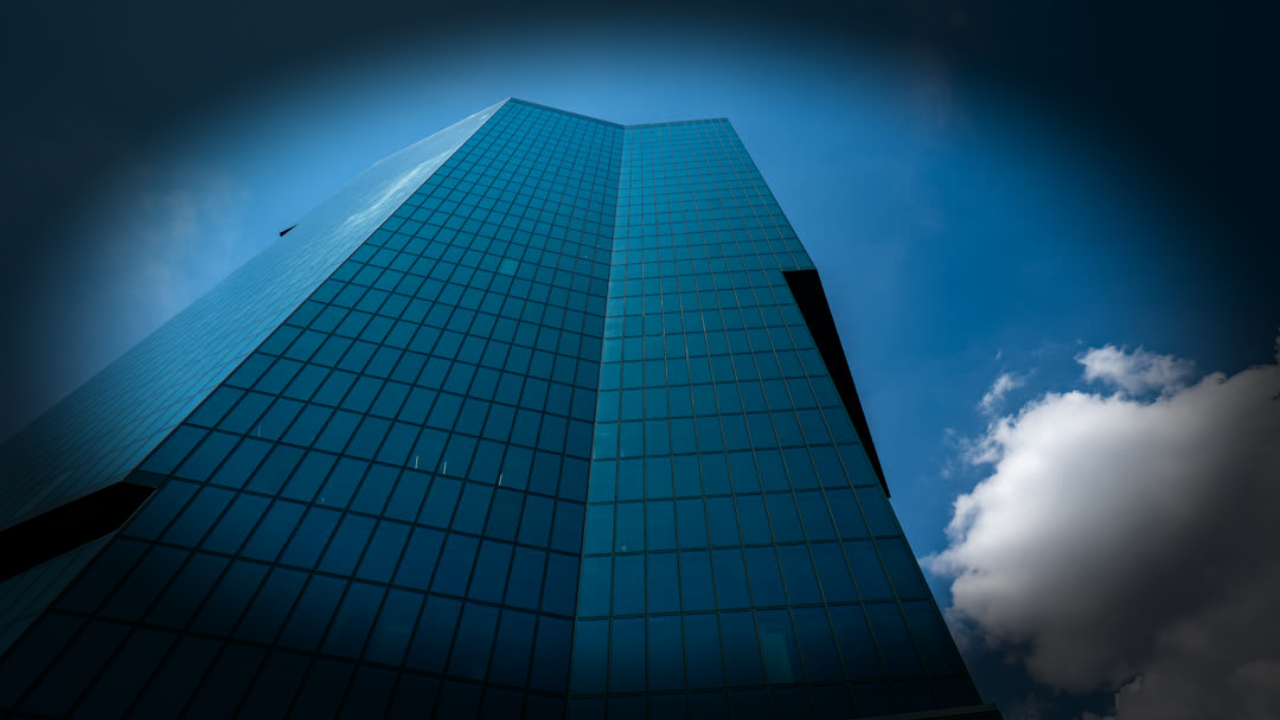
vignette()Generate
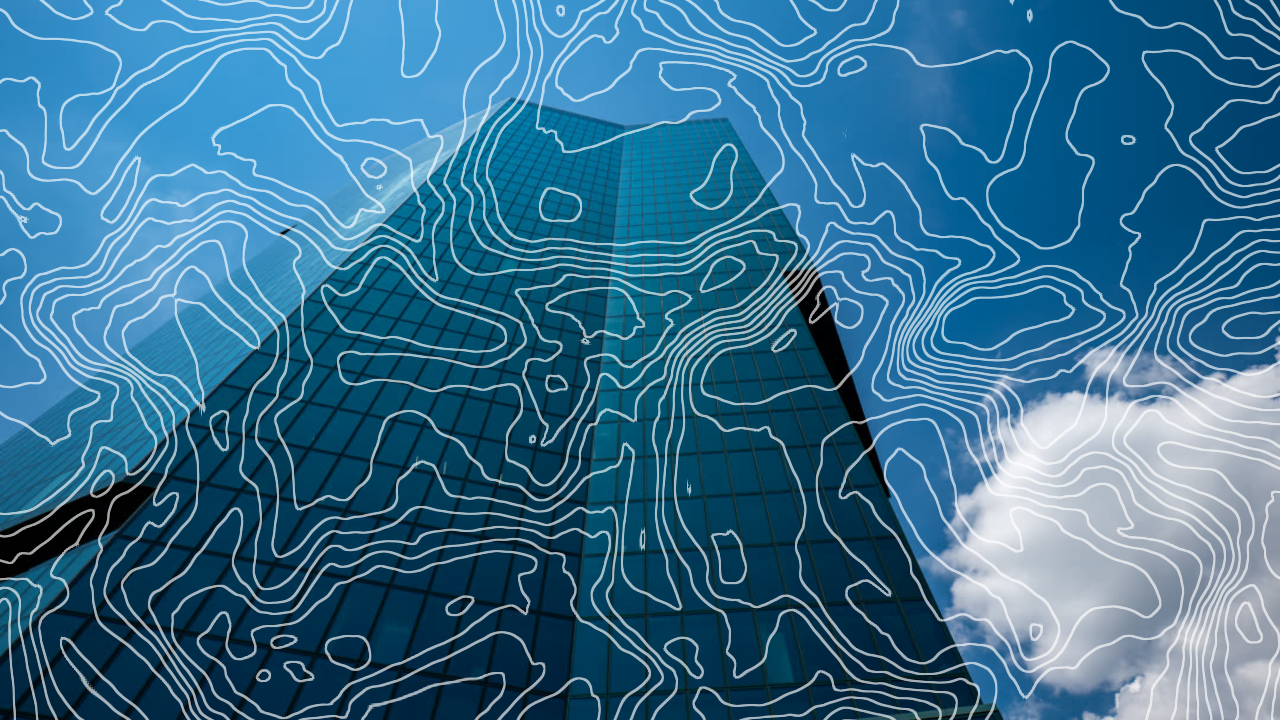
contourLines()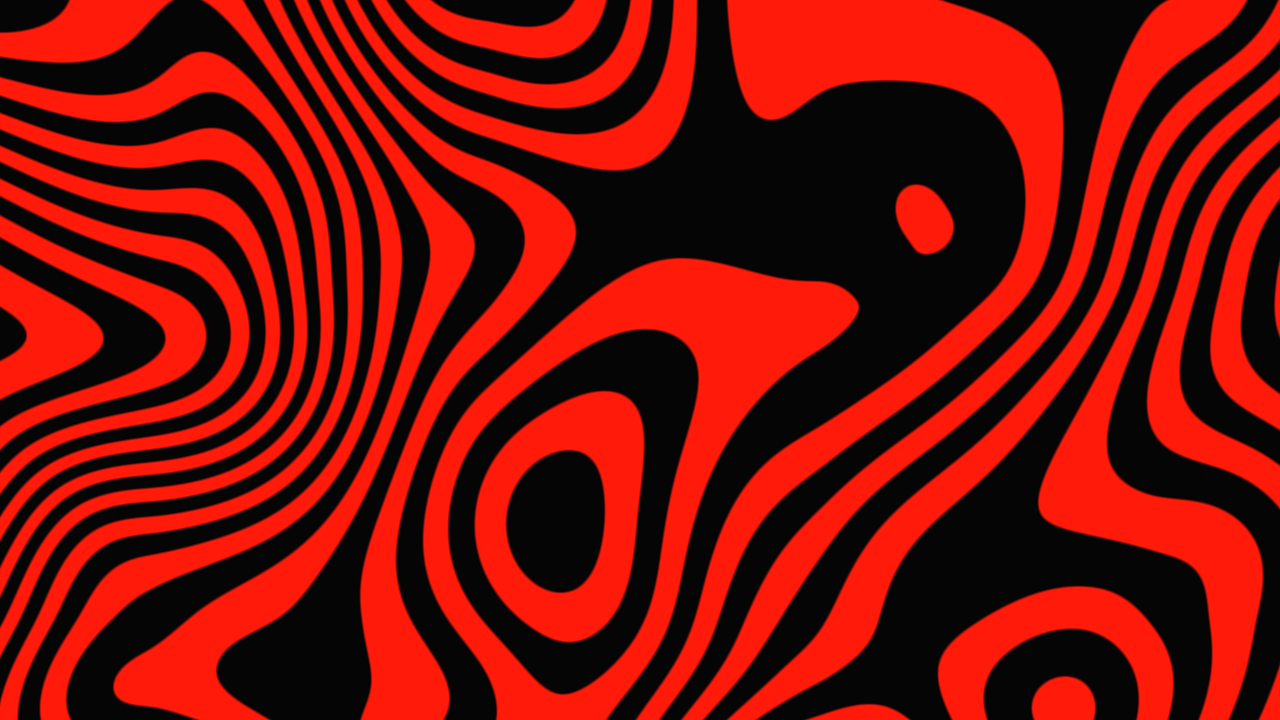
liquidContours()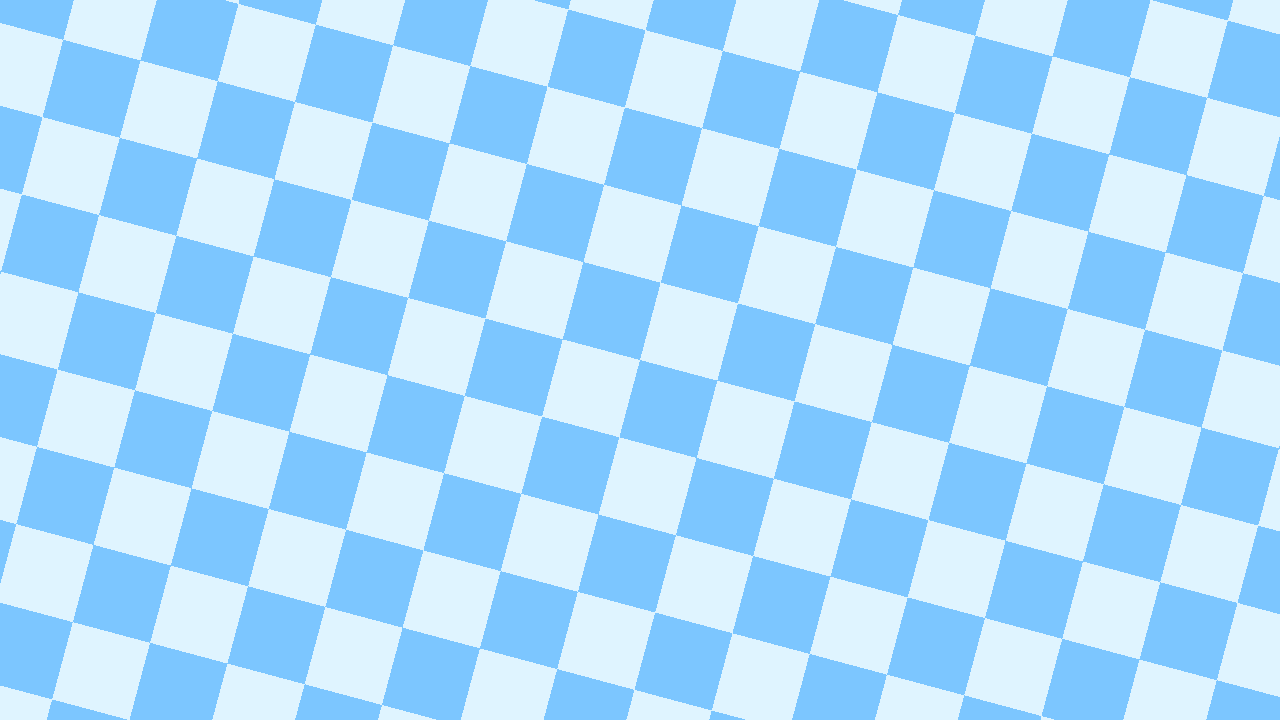
checkerboard()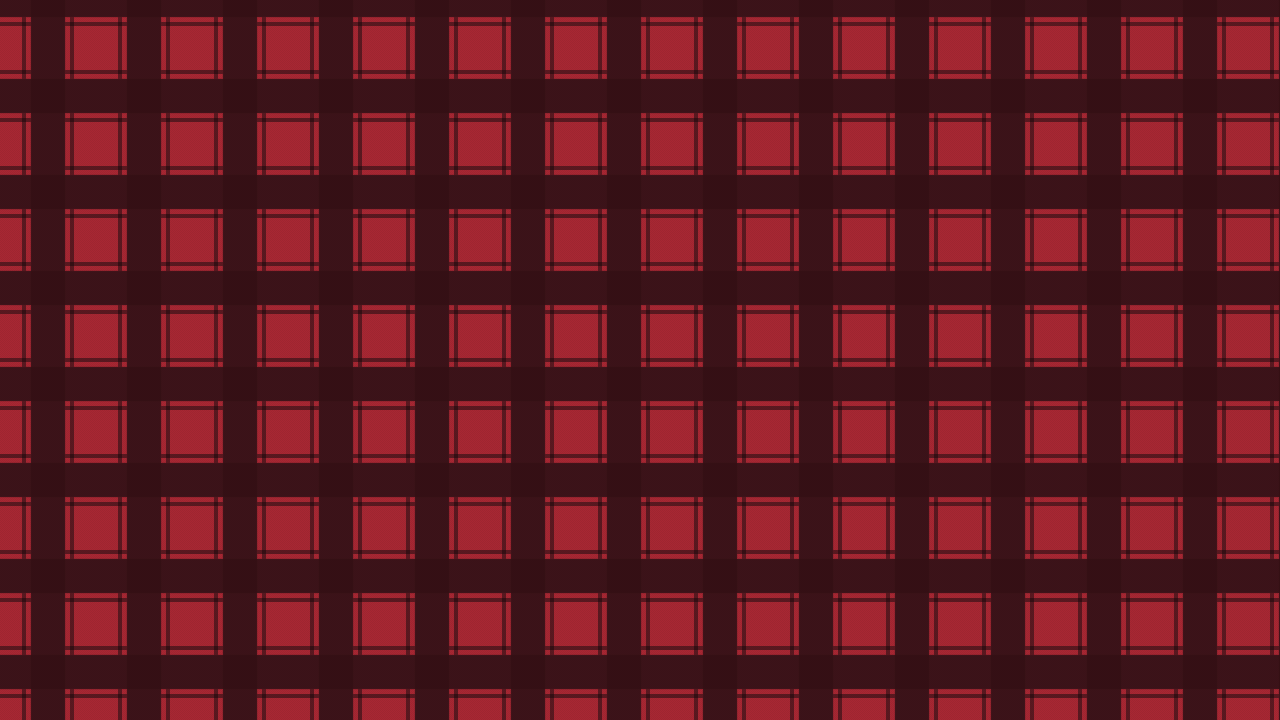
flannel()
halftoneLinearGradient()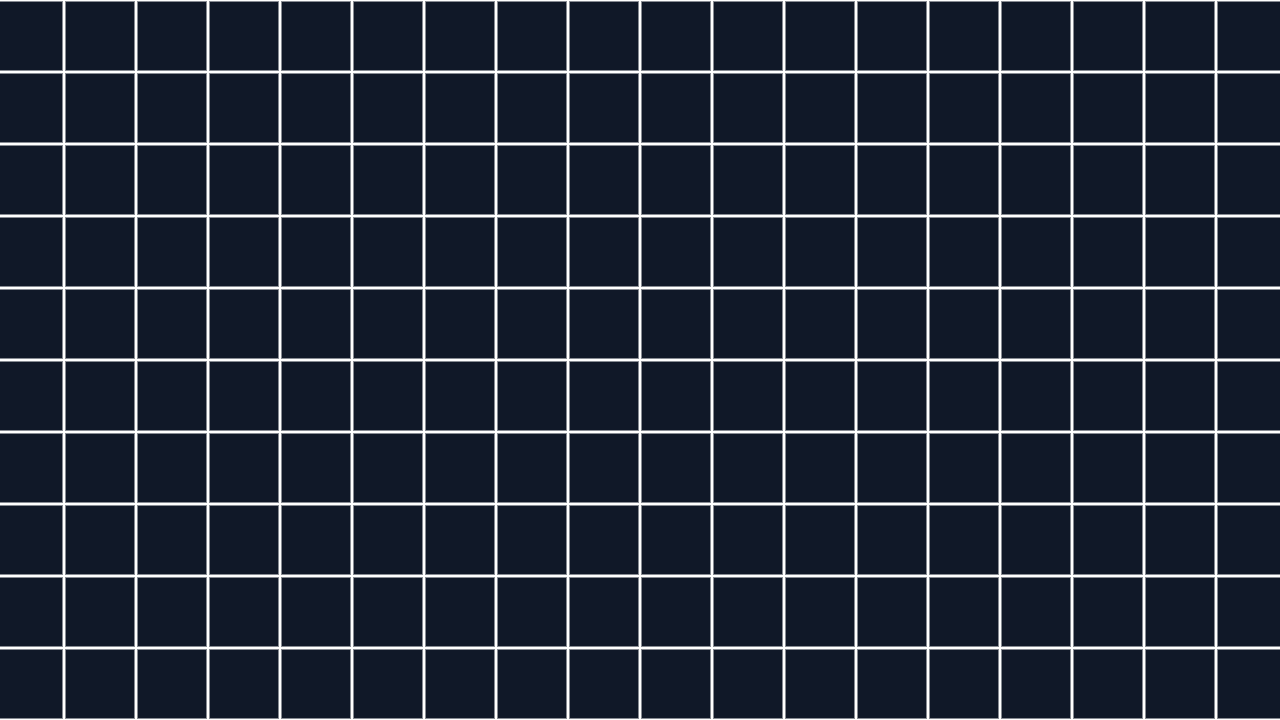
gridlines()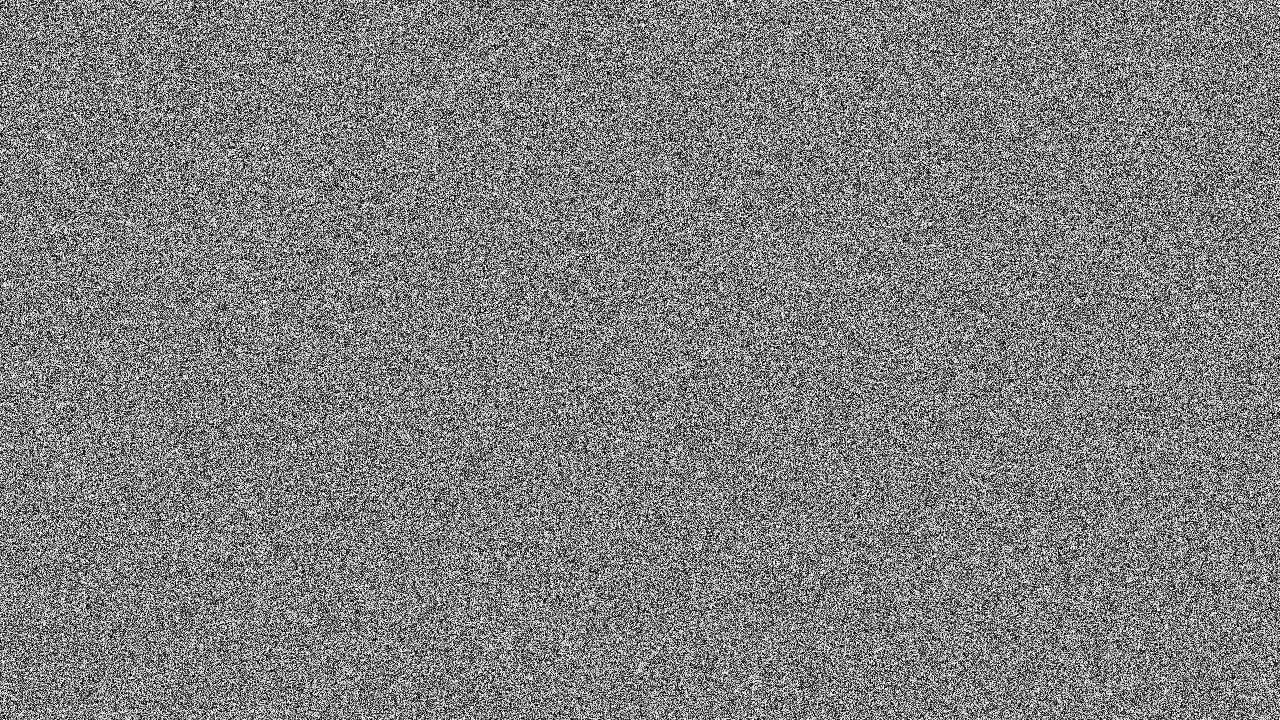
whiteNoise()
tvSignalOff()
lines()
rings()
waves()
zigzag()
lightLeak()
starburst()Creating custom effects
To build your own effect, use createEffect() from remotion. It creates a custom effect factory and uses InteractivitySchema for Studio controls.